13
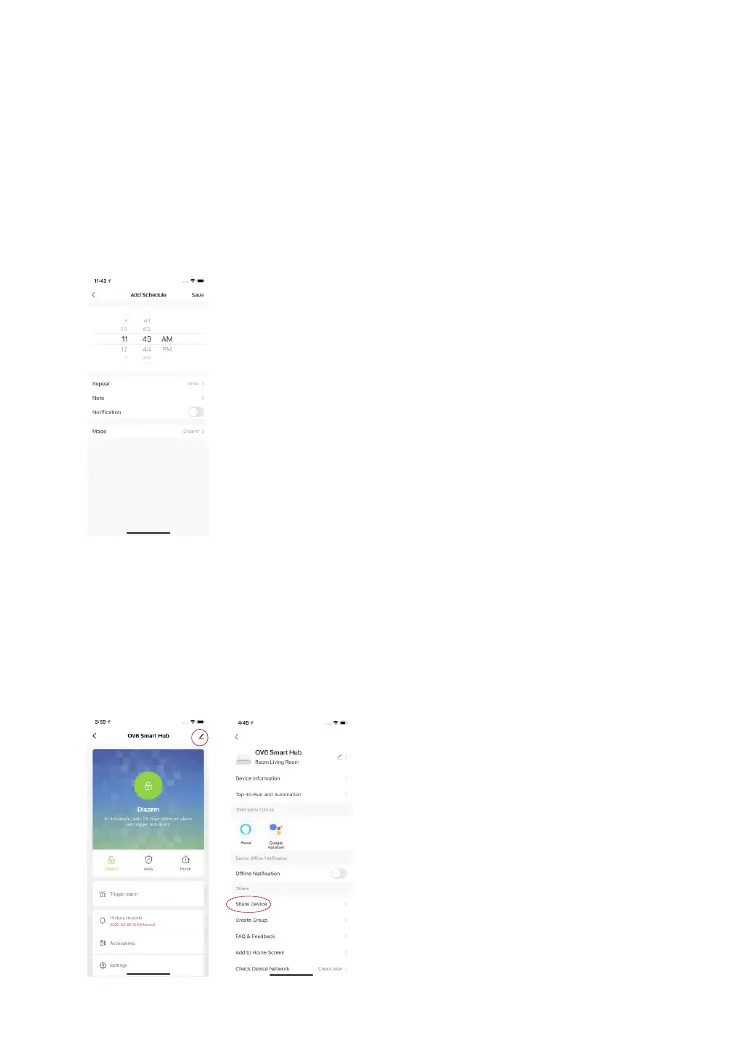
Timer
The system can be programmed to automatically Arm and Disarm the system at
predened times by following the steps below:
1. Tap add timer to add a scheduled action.
2. Choose any mode you want the system to become (Away / Disarm / Home ).
3. Choose the activate time of the status.
4. Select the date that you want this timer to repeat.
Sharing Devices
Tap [Share Device] on the OV6 [More Settings] page to share access with other
registered accounts. Alternatively, you can add the other users as a permanent
resident to your home that automatically grants access to all devices setup within
the home.



 To Next Page