13
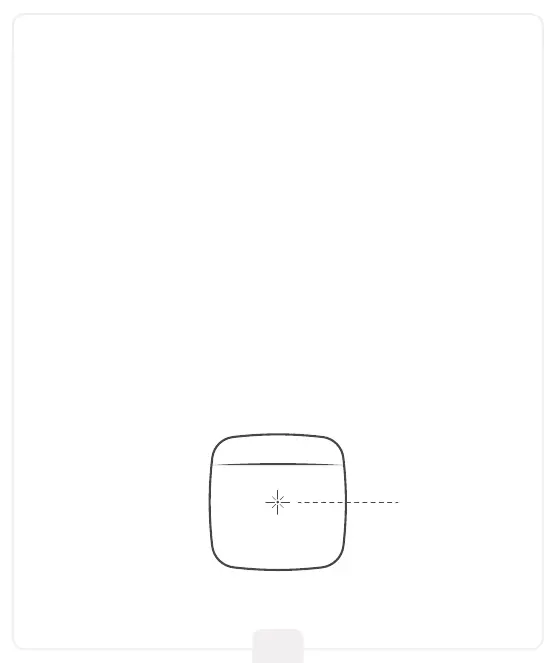
Breez Lite has an LED indicator on its front for status indication.
Case 1: If your device is powered up and connected to a working
internet connection, the light stays off meaning the device is
working perfectly.
Case 2: If there is a single blink every 2 seconds, it indicates the
device is in broadcast (AP) mode. If you have not registered the
device yet, please follow the ‘Device Registration’ steps.
Case 3: If the light blinks twice every 2 seconds, it indicates the
device is connected to the router but has no internet access.
Troubleshooting
LED Indicator



 To Next Page