WORLD ENTERTAINMENT ON DEMAND
www.ciphertv.comCipherTV STB 3.5A User Guide
10
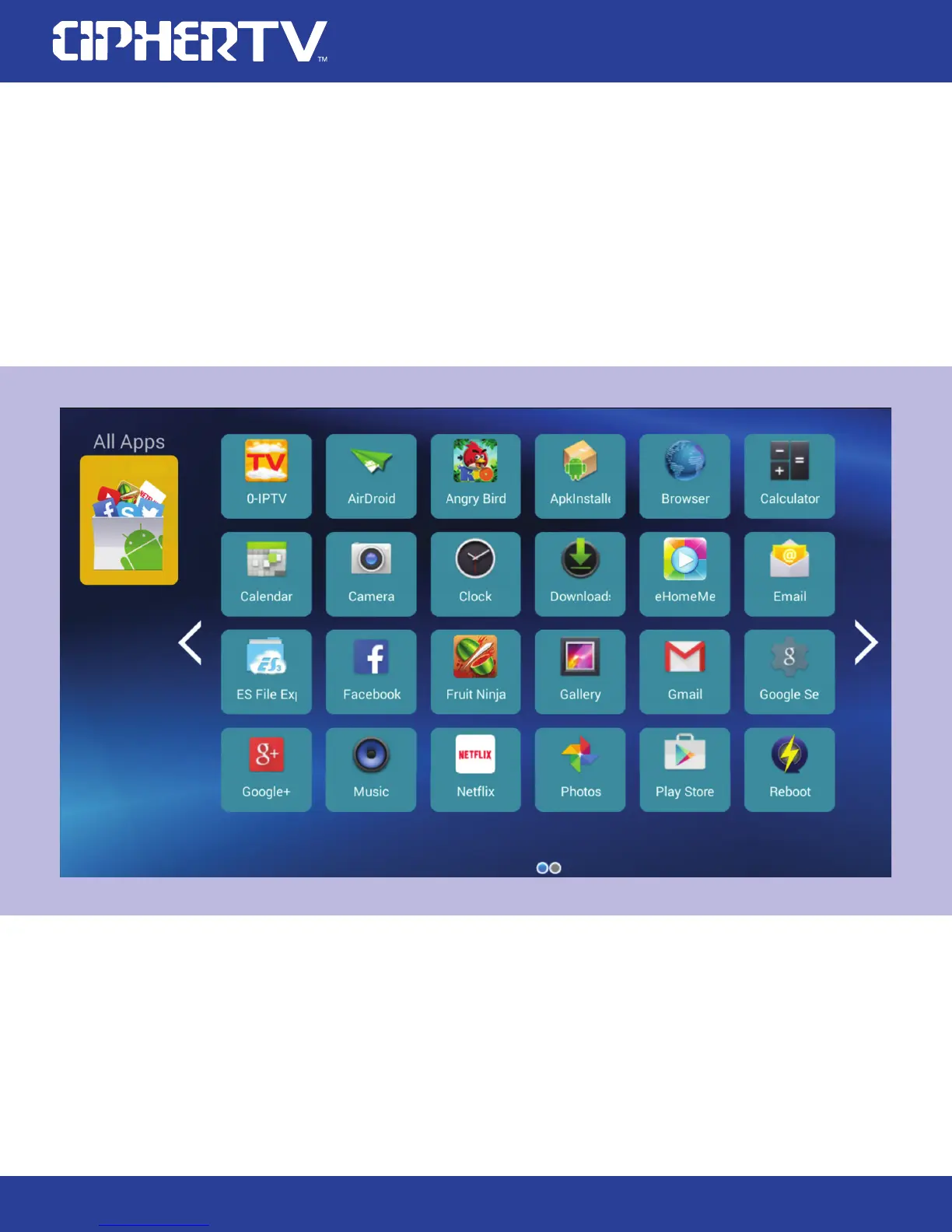
The All Apps folder contains all the Apps installed in the CipherTV bar. Use your air mouse to
click the on screen right arrow to turn to the next page. You can use the left and right arrows to
explore all the Apps installed in this CipherTV bar.
If you are an advanced user, you can also press the OK button of your air mouse to swing from
right to left to flip to the next page and swing from left to right to go back to previous page.
1.
2.
4.1 The All Apps folder
4.0 Quick Guide to the Apps Folders
Click on the folder you like to add the Apps to, in this next screenshot it is the Social folder.
Click on the add (+) button to list the Apps. A check mark is on the selected App, click the
same App again the check mark is removed and this App is not selected, click again to select
the App to be placed into this folder. Press the Back button on the remote when done.
1.
2.
4.2 How to add the apps in the folder
On the bottom half of your TV screen you will see 5 App folders. See screenshot on previous page.
You can use these App folders to organize your apps.



 To Next Page