WORLD ENTERTAINMENT ON DEMAND
www.ciphertv.comCipherTV STB 3.5A User Guide
4
2.0 Registering your 0-IPTV App for LiveTV and future services
2.1 New customer’s self-serve sign up process
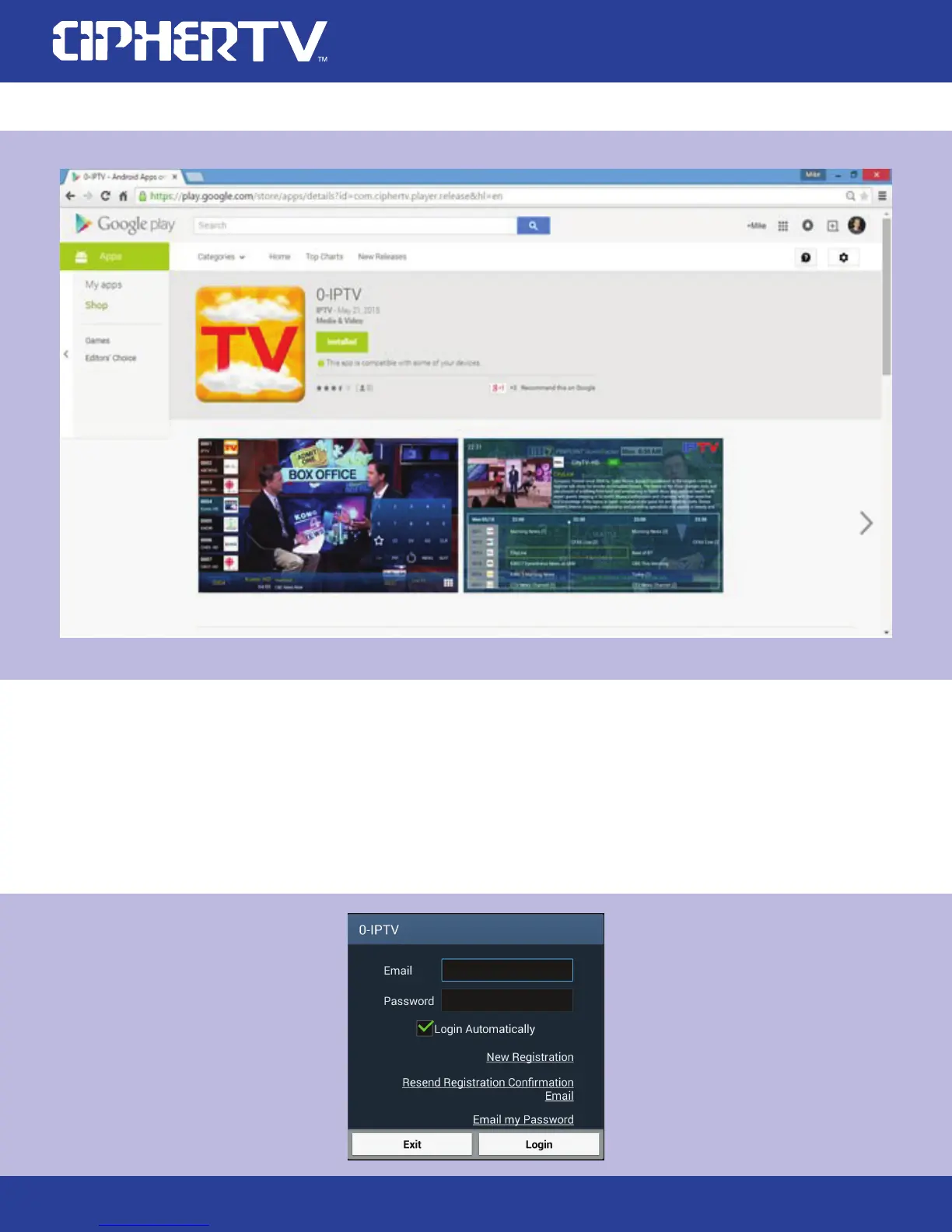
On the STB home page, click on the upper right hand LiveTV window to launch 0-IPTV in full
screen or click on the All Apps folder, locate and click on 0-IPTV with your air mouse. The login
or registration page will appear.
1.



 To Next Page