WORLD ENTERTAINMENT ON DEMAND
www.ciphertv.comCipherTV STB 3.5A User Guide
13
5.3 Finding the App menu and settings option
On the Keypad or remote, click/press MENU to display or hide the bottom menu bar. You can hide
the bottom menu bar by swiping down from the top of the menu bar towards the bottom.
You can also pull up the menu bar by swiping up from the bottom edge of the screen. Please try all
these touch or air mouse features. It takes a little bit of practice to get used to manipulating these
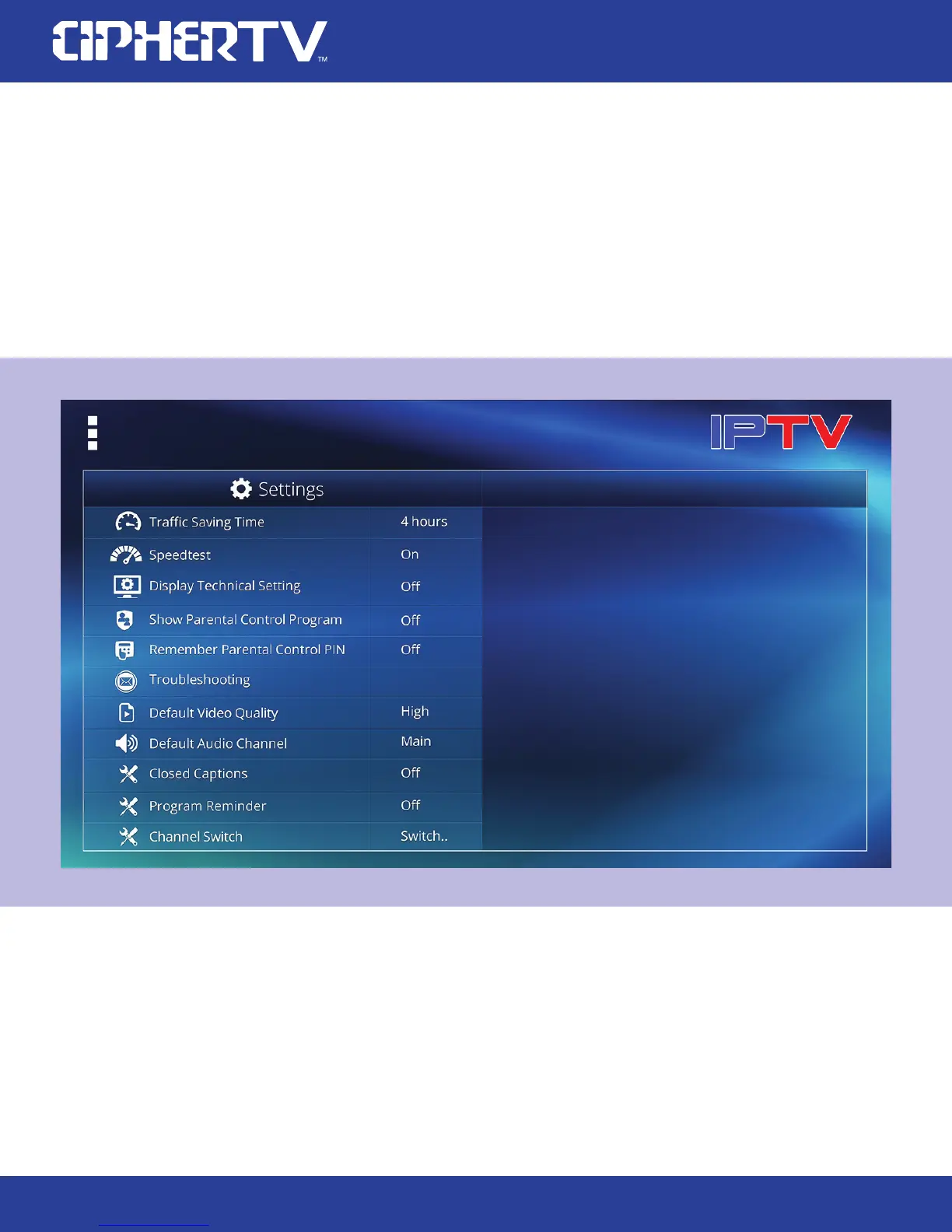
advance features with your air mouse. Here is a screen shot of the options in the setting button.
5.4 Enhanced Electronic Program Guide (EPG)
The new EPG features easy channel navigation and picture in picture (PIP) function. The current TV
channel is playing in the background with audio while the browsed channel is shown in the smaller
PIP box. Click the smaller box to select the channel and view it in full screen.



 To Next Page