Flashing White Firmware upgrade in progress
Solid White Fully operational/connected
Ethernet Port
The MG21/MG21E features two Ethernet ports. Port 1 can be reconfigured to Safe Mode for troubleshooting and
diagnostics. Brand new units will ship with both ports configured as LAN, which is the default, normal operating mode.
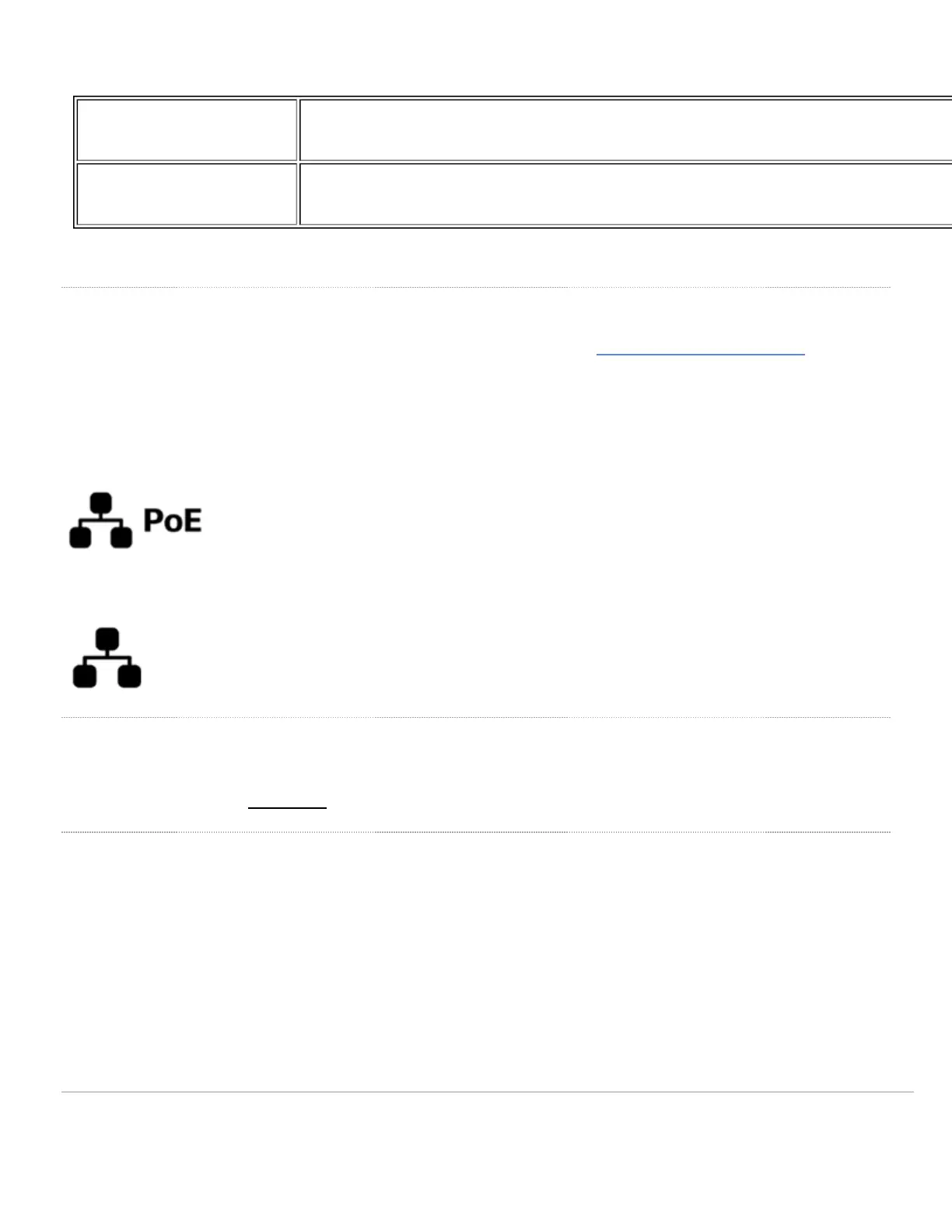
The port labeled “PoE” (Port 1) accepts 802.3af power.
The non-PoE port (Port 2) may be used to connect a second device to the MG.
AC Adapter Power Port
In the event that the MG cannot be powered by POE, the MG has an AC adapter port that can be used to power it up
with the 30watt (12V 2.5A) AC adapter.
Factory Reset
To reset an MG cellular gateway to the factory defaults, press the button labeled 'Reset' on the back panel of the
appliance for at least 10 seconds. This will clear all the local configuration settings done via the local status page.
Please be aware that after resetting the unit, the local status page requires reconfiguration, and the device will need to
download its latest configuration from the dashboard cloud. Please be patient as this could take up to 5 - 10 minutes.
6


 To Next Page