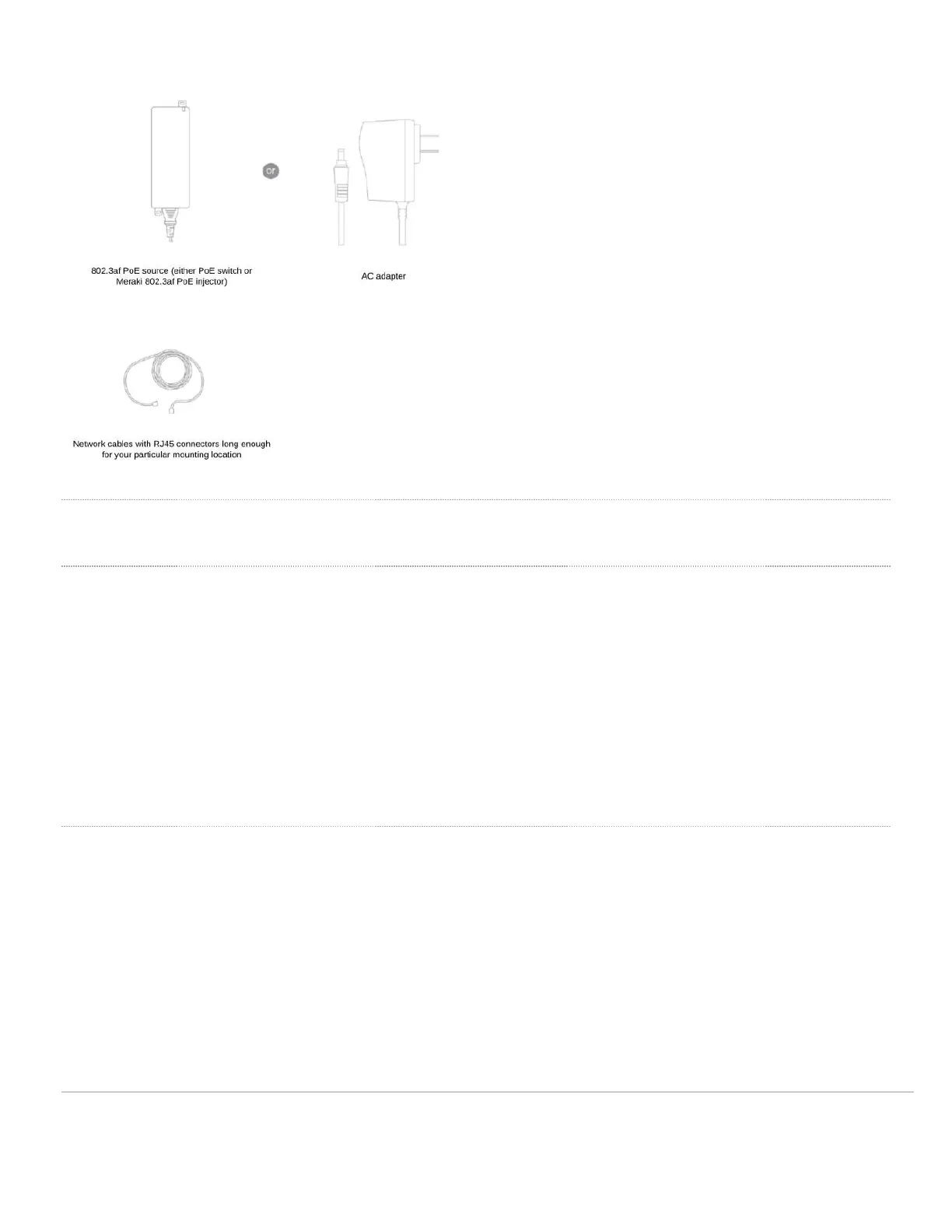
Installation Instructions
Mounting Hardware
The supplied wall screws and anchors allow you to mount the appliance on a drywall surface, either vertically or
horizontally. For mounting on drywall, use a ¼-inch drill bit, then insert the plastic and screw assemblies.
• For mounting on wood or a similar surface, use only the screws.
• Allow the heads of the screws to stick out far enough to be inserted securely into the back of the MG.
Plan Ahead: When mounting the MG cellular gateway in hard to reach areas, it is recommended that Ethernet
cables are run to both ports as a redundant method to access both ports in the case of physical failure of a port or cable.
SIM Installation
1. Disconnect power to the MG21.
WARNING: The MG21 and MG21E are IP67 rated only when the back panel plate is attached and screwed down with
the gasket in place. Hot swapping/installing SIM cards while the MG21 is powered on may cause unexpected behavior
or errors and is not recommended. Please power down the device before removing and inserting any SIM cards.
2. Unscrew the MG back panel plate to expose the SIM card gasket and slot. Remove SIM gasket and set aside for
reinsertion later.
10


 To Next Page