4. If the unit requires a firmware upgrade after coming online, the power LED will begin blinking white until the
upgrade is complete, at which point the LED will turn solid white. You should allow at least a few minutes for the
firmware upgrade to complete, depending on the speed of your internet connection.
Check and Configure Upstream Firewall Settings
If you are testing safe mode on port 1 and have an upstream firewall in place, the firewall must allow outgoing
connections on particular ports to specific IP addresses. The most current list of outbound ports and IP addresses for
your organization can be found on the Help > Firewall Information page in your dashboard.
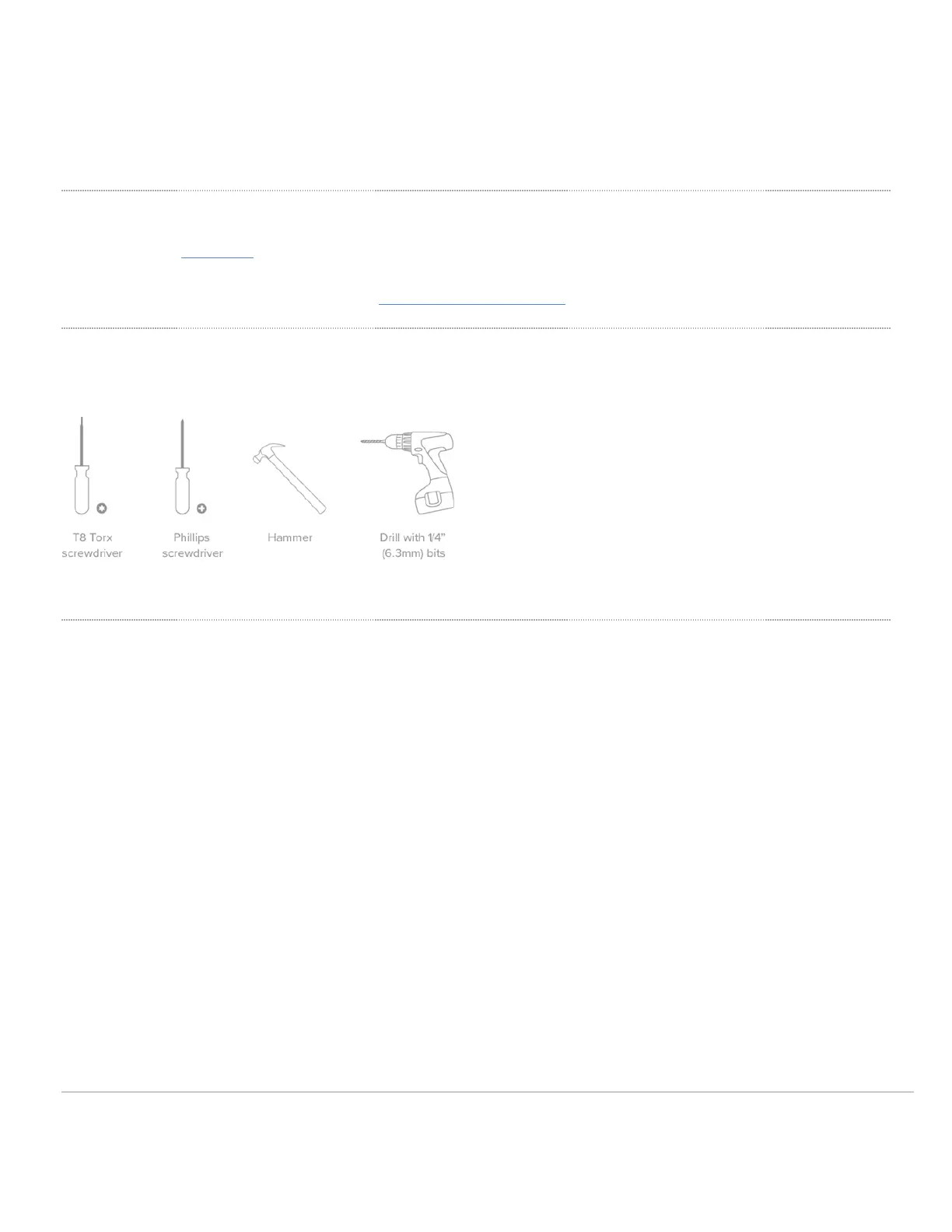
Collect Tools
You will need the following tools to perform an installation:
Collect Additional Hardware for Installation
You will need the following hardware to perform an installation:
9


 To Next Page