CHAPTER
Installing the Router 3-1
3
Installing the Router
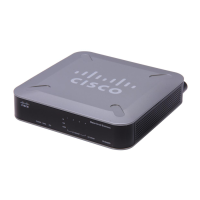
This chapter guides you through the installation of the Cisco 2600 series routers and
includes the following sections:
• Required Tools and Equipment on page 3-2
• Setting Up the Chassis on page 3-3
• Connecting the DC Power Supply on page 3-10
• Connecting to a Network on page 3-14
• Connecting the Console Terminal and Modem on page 3-18
• What to Do after Installing the Router Hardware on page 3-22
Warning Only trained and qualified personnel should be allowed to install or replace this
equipment.



 To Next Page
 Loading...