Chapter 2 Installation
Attaching the Cable Lock
2-16
Cisco 575 LRE CPE Hardware Installation Guide
78-11469-01
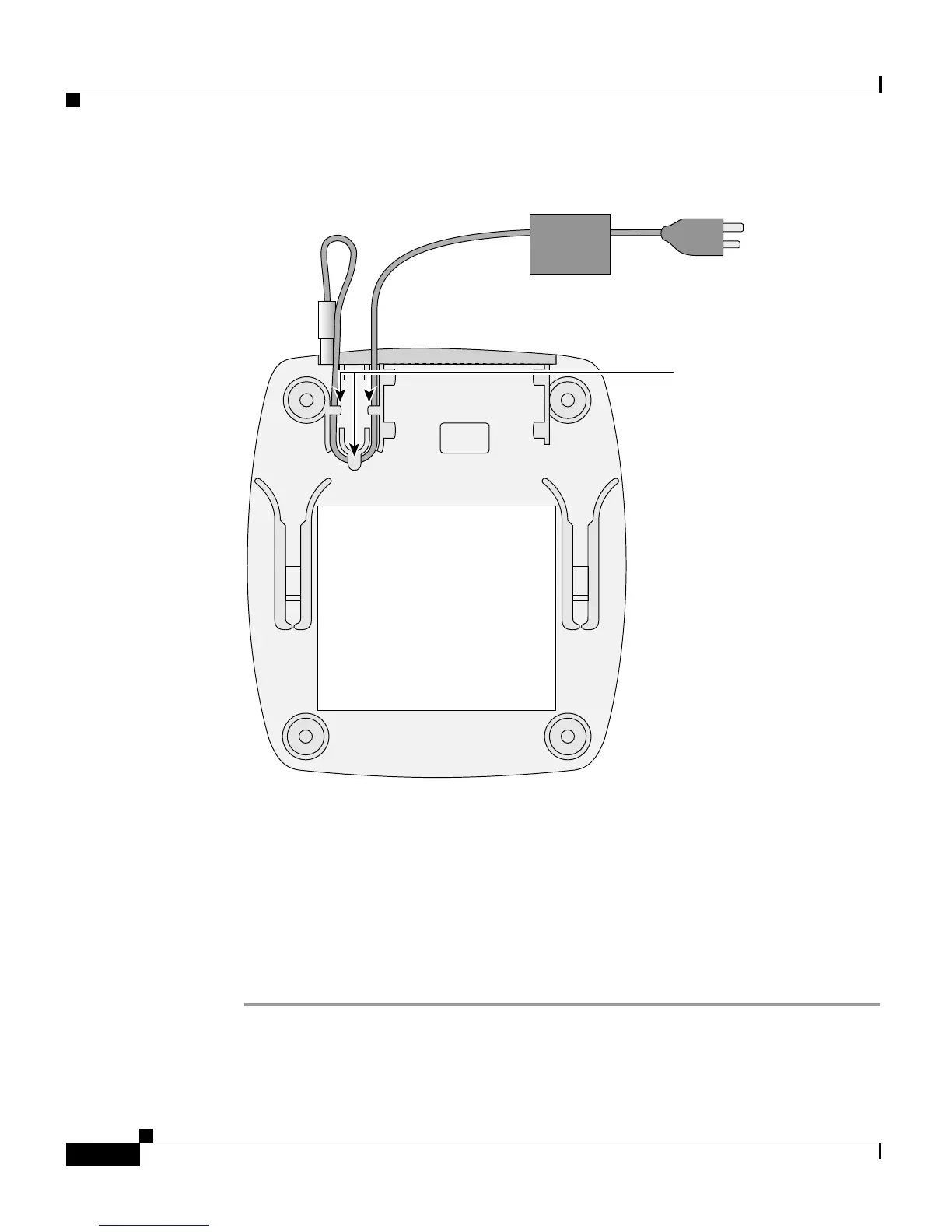
Figure 2-8 Securing Power Cord to Bottom of the CPE
Attaching the Cable Lock
The optional cable lock provides extra security to prevent someone from easily
removing the CPE.
To install the cable lock, follow these steps:
Step 1 Locate the cable lock in the accessory kit.
Step 2 Slide the cable lock onto the CPE until it clicks in place. (See Figure 2-9 and
Figure 2-10.)
45782
To electric
outlet
Hooks


 To Next Page