10
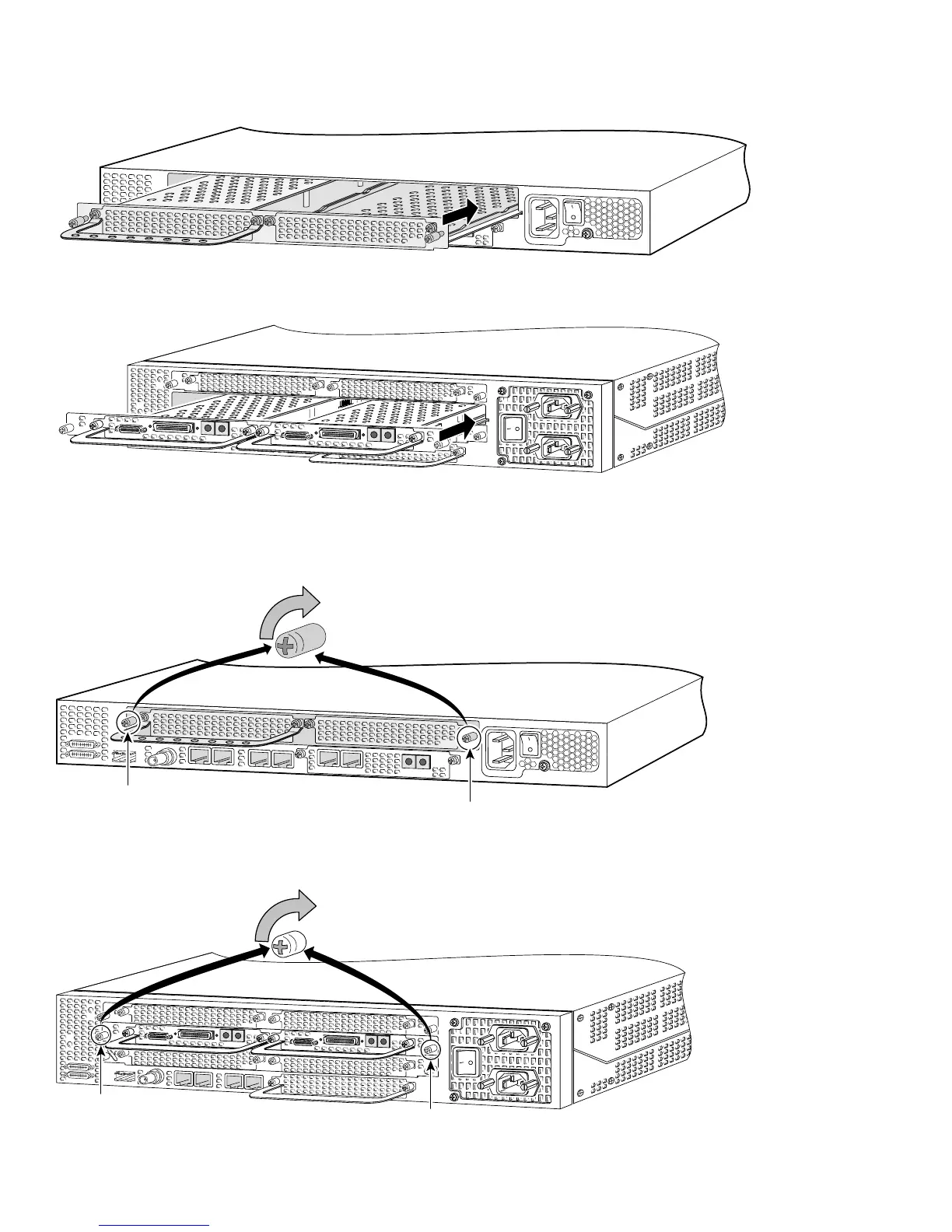
Install the Carrier Card in the Cisco AS5350
Install the Carrier Card in the Cisco AS5400
Step 4 Align the captive screws with their holes, and seat the card completely.
Step 5 Tighten the two captive screws to secure the carrier card to the chassis.
Tighten the Captive Screws on the Cisco AS5350
Tighten the Captive Screws on the Cisco AS5400
36004
37161
36005
Captive screw
Captive screw
37162
Captive
screw
Captive
screw













 To Next Page