49
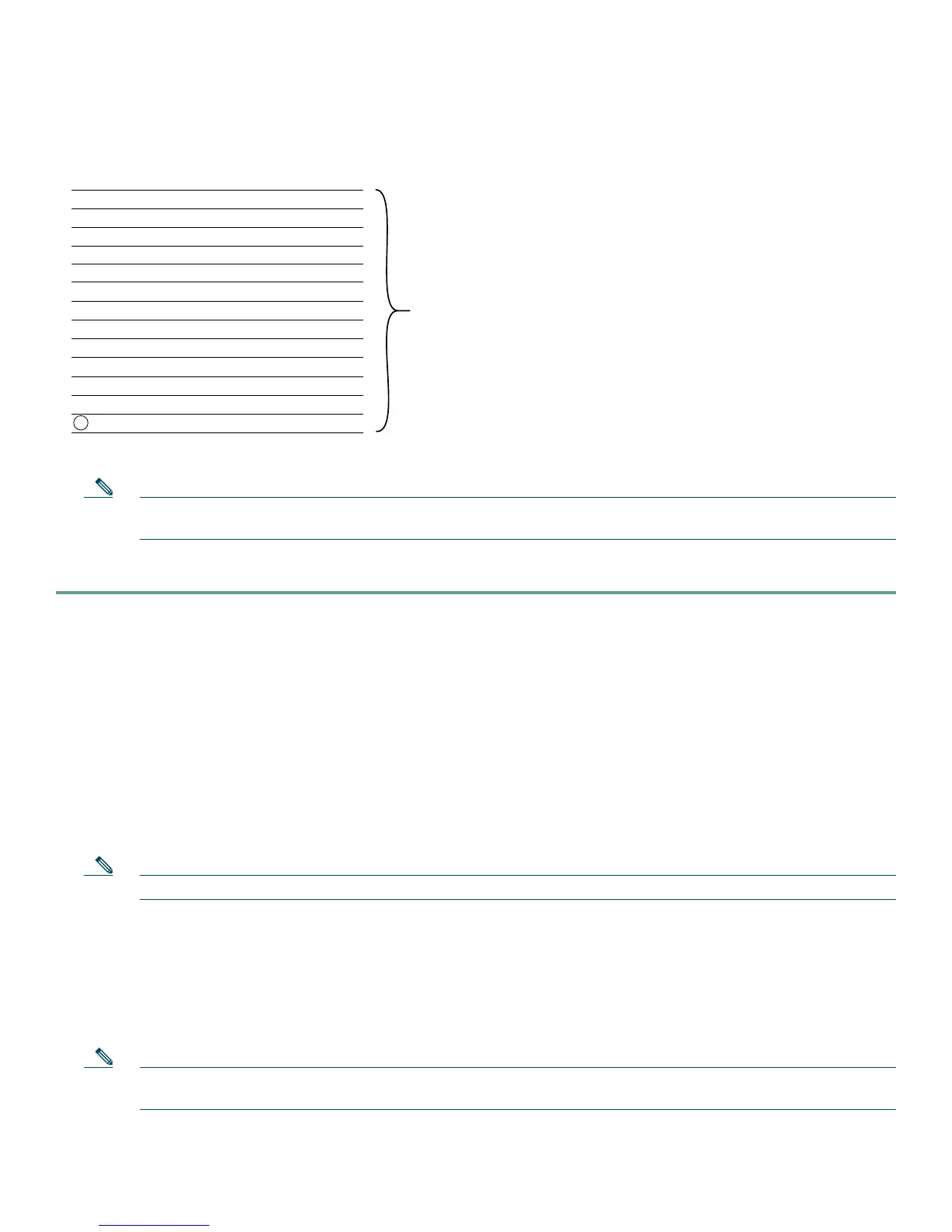
Relationship of ISDN PRI Components for T1
Note When you configure your CT1 controller for an Non-Facility Associated Signaling (NFAS) backup D channel, a
serial interface is automatically created only when your primary D channel fails.
To configure ISDN signaling, follow these steps:
Step 1 Enter the enable command and password to go to privileged EXEC mode. You are in privileged EXEC mode when the
prompt changes to
Gateway#.
Gateway> enable
Password: password
Gateway#
Step 2 Enter global configuration mode. You are in global configuration mode when the prompt changes to Gateway(config)#.
Gateway# configure terminal
Enter configuration commands, one per line. End with CNTL/Z.
Gateway(config)#
Step 3 Enter serial interface configuration mode. After configuring the CT1 controller, a corresponding D-channel serial
interface is automatically created. For example, serial interface 1/0:23 is the D channel for CT1 controller 1. You must
configure each serial interface to receive incoming signaling and send outgoing signaling.
Note On a CE1 PRI line, the serial interface for the D channel is 1/0:15.
Gateway(config)# interface serial 1/0:23
Gateway(config-if)#
Step 4 Assign an IP address and subnet mask to the interface:
Gateway(config-if)# ip address 172.16.254.254 255.255.255.0
Step 5 Configure all incoming voice calls.
Note This command has two possible keywords: data and modem. You must use the modem keyword to enable both
modem and voice calls. The modem keyword represents bearer capabilities of speech.
Gateway(config-if)# isdn incoming-voice modem
B (data channel) 1 S0:0
B (data channel) 2 S0:1
B (data channel) 3 S0:2
B (data channel) 4 S0:3
•••
•••
•••
•••
•••
B (data channel) 21 S0:20
B (data channel) 22 S0:21
B (data channel) 23 S0:22
D (signaling channel) 24 S0:23
35765
Channel
type
Time slot
number
Logical
contents
of a PRI
interface
Virtual
serial
interface
number













 To Next Page