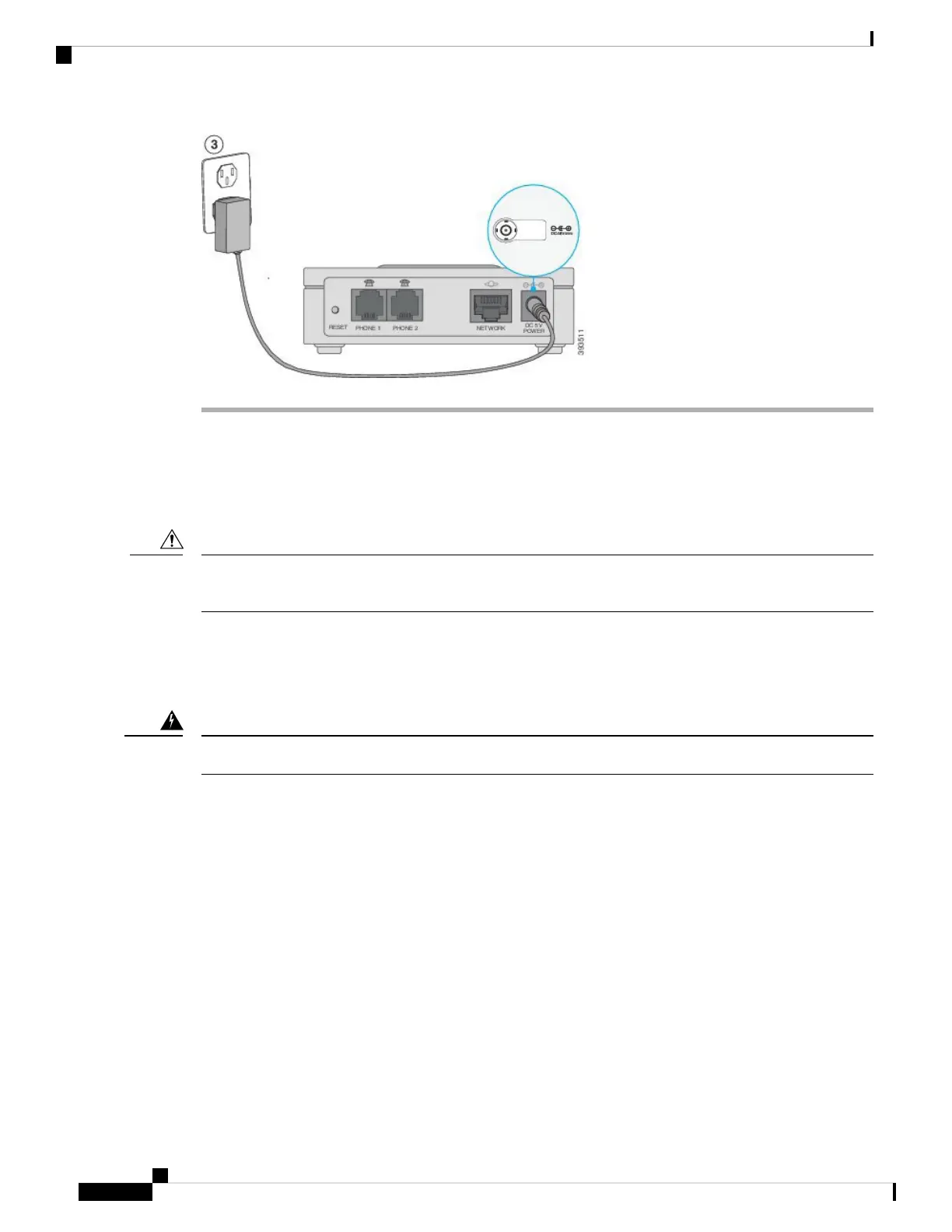
Mount Your ATA
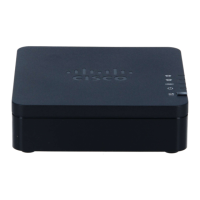
You can place the ATA on a desktop or mount it on a wall.
To prevent the ATA from overheating, do not operate it in an area that exceeds an ambient temperature of
104°F (40°C).
Caution
Desktop Placement
Place the ATA on a flat surface near an electrical outlet.
Do not place anything on top of the ATA; excessive weight could damage it.
Warning
Wall Mounting
The ATA has two wall-mounted slots on the bottom panel. To mount the ATA on a wall, you need mounting
hardware (not included). Suggested hardware is illustrated (not true to scale).
Recommended hardware (not included): Two #6 pan head, 5/8 in., self-tapping screws with anchors for
sheet rock installation.
Get Started with Your New ATA
6
Get Started with Your New ATA
Mount Your ATA









 To Next Page