20
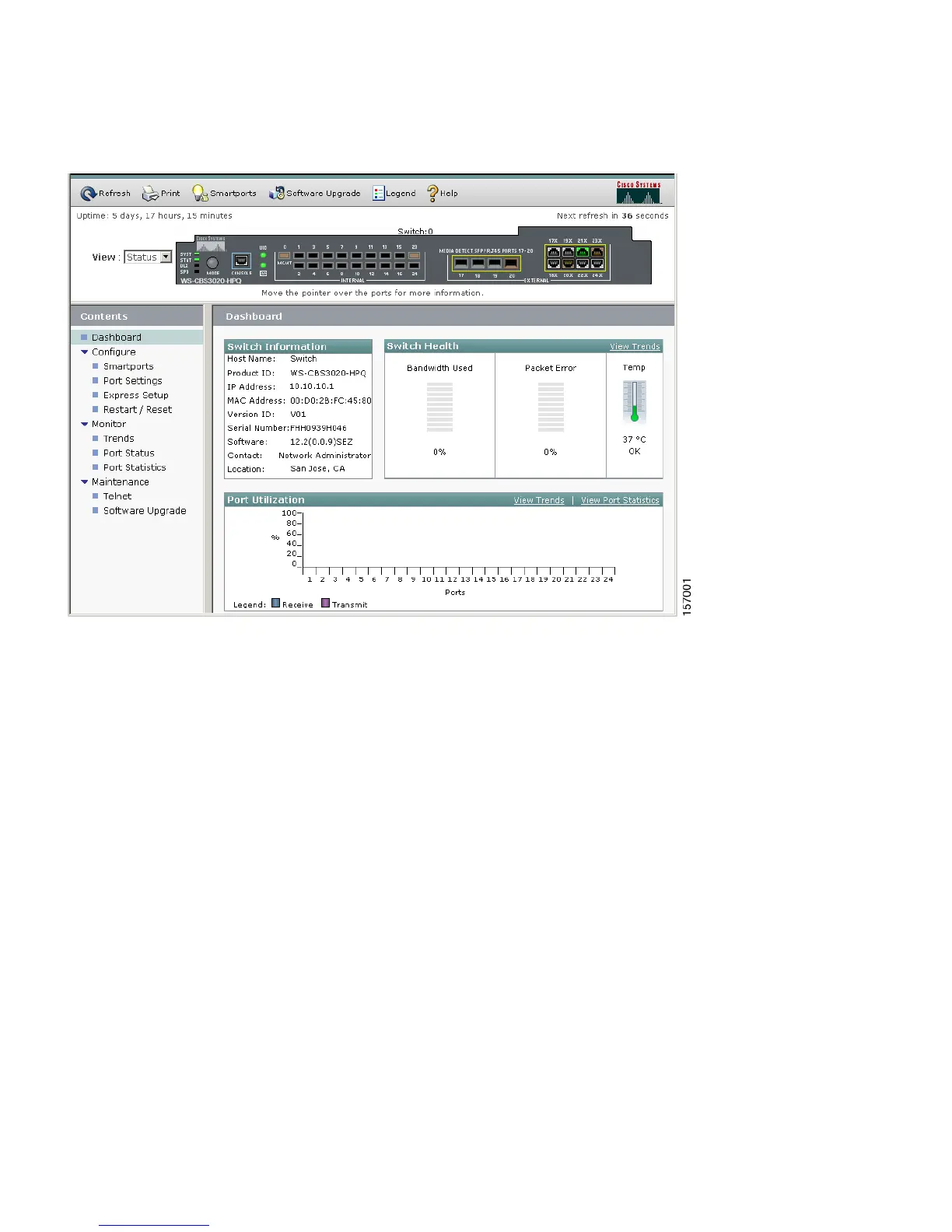
3. Use the device manager to perform basic switch module configuration and monitoring. Refer to
the device manager online help for more information.
4. For more advanced configuration, download and run the Cisco Network Assistant, which is
described in the next section.
Command-Line Interface
You can enter Cisco IOS commands and parameters through the CLI. Access the CLI either by
connecting your PC directly to the switch module console port or through a Telnet session from a
remote PC or workstation.
Follow these steps:
1. Connect the supplied RJ-45-to DB-9 adapter cable to the standard 9-pin serial port on the PC.
Connect the other end of the cable to the console port on the switch module.
2. Start a terminal-emulation program on the PC.
3. Configure the PC terminal emulation software for:
–
9600 baud
–
8 data bits














 To Next Page