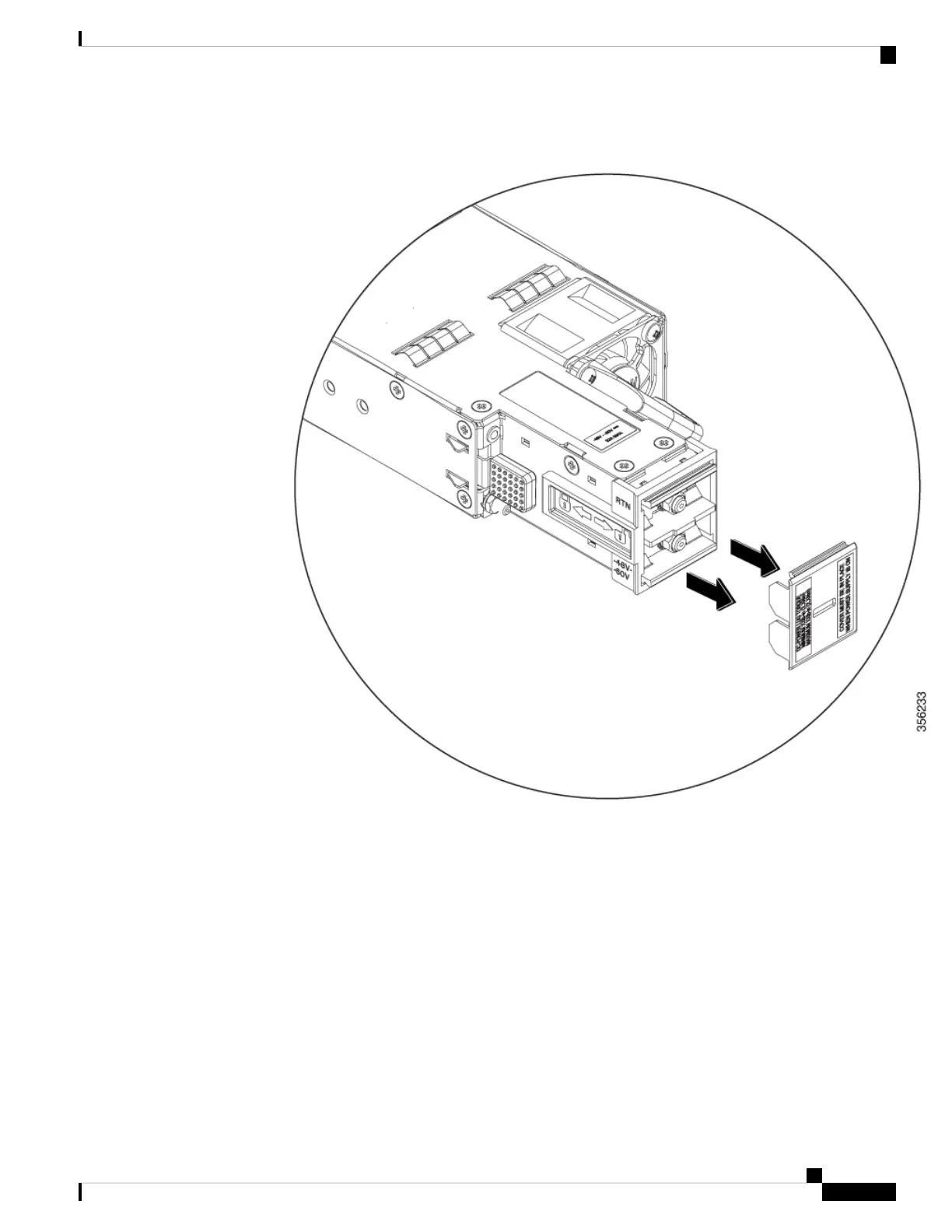
Figure 52: Remove the Safety Cover
b. Loosen and unscrew the two nuts on the terminal box. The terminal box has two slots for power
terminals. Each terminal has a nut that you use to fasten the power cable to the terminal.
Cisco Catalyst 9500 Series Switches Hardware Installation Guide
77
Installing Field Replaceable Units
Connecting to a DC Power Source



 To Next Page