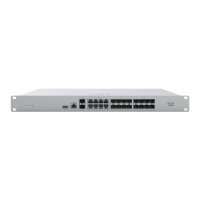
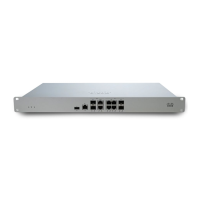
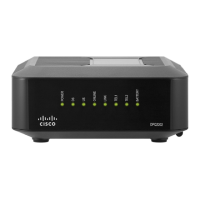
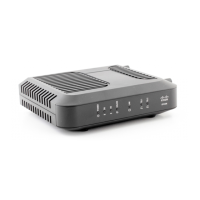
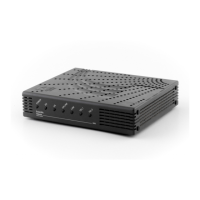
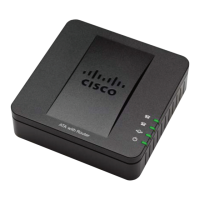
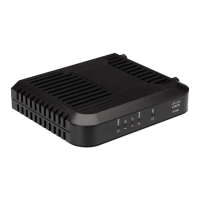
below, from left to right.
Item Function LED Status Meaning
1 Power Solid orange Power is applied
Rainbow colors
Unit is attempting to contact the
Cloud
Flashing white Operation is in progress
Solid white Fully operational
2 USB connectivity Off During boot or USB link
Solid orange Initial link
Flashing orange Internet connectivity not complete
Green USB connection detected
3 HA status Off No HA available
Orange Initial link
Flashing orange High availability not complete
Green HA available
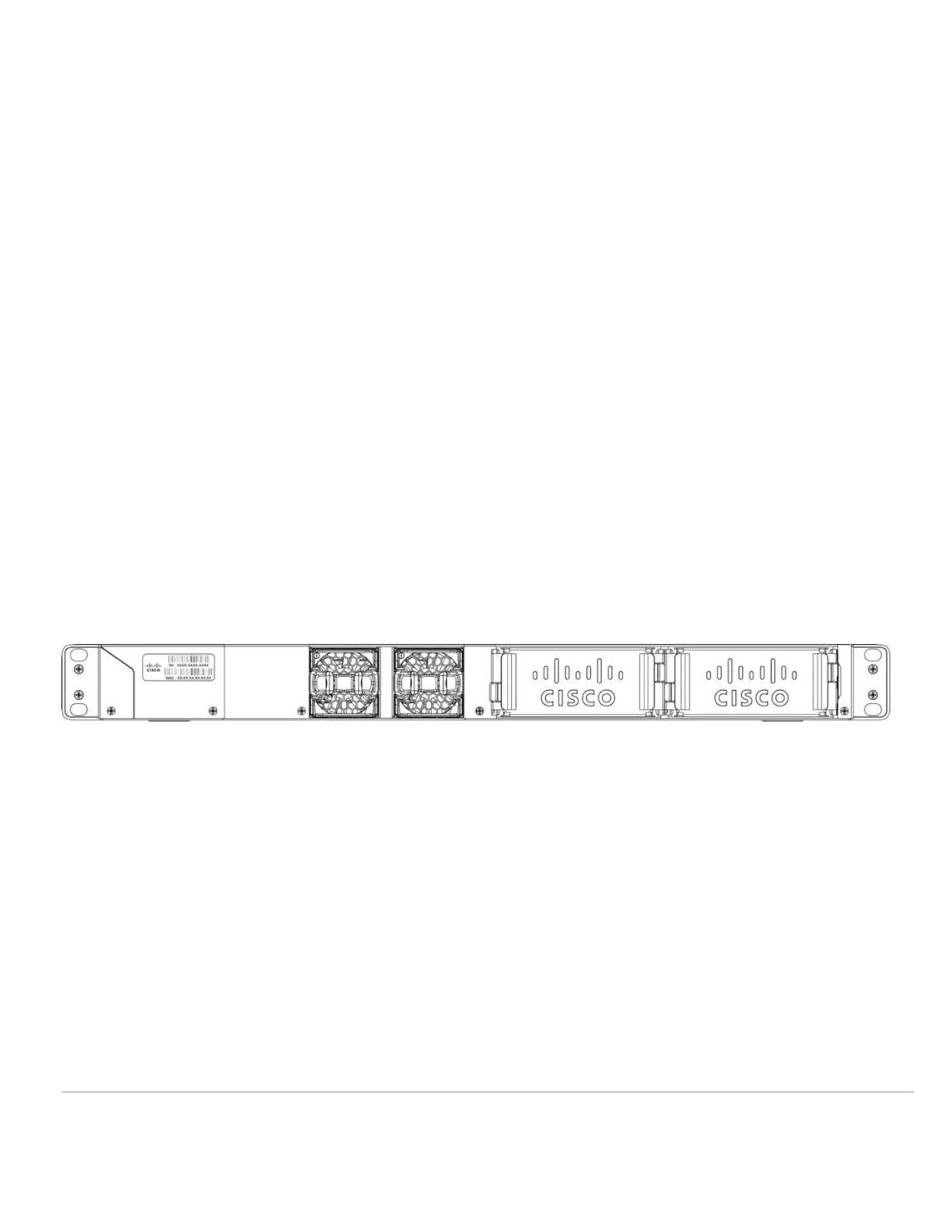
MX250 Back Panel
Please note that the serial number is located on the product label at the back panel of the MX250-HW.
Reset button
Insert a paper clip if a reset is required.
A brief, momentary press: To delete a downloaded configuration and reboot.
Press and hold for more than 10 seconds: To force the unit into a full factory reset.
Mounting Hardware
The mounting hardware includes four sets of standard slot-head rack screws and nuts. The additional screws and nuts are different screw standards meant to
accommodate the most common rack mounts. When installing the appliance, make sure that there is sufficient space between the rear of the rack and other
obstacles to ensure adequate airflow.
Safety Guidelines
2



 To Next Page