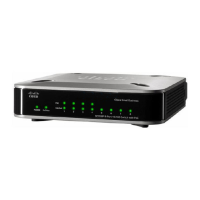
Unmanaged Desktop Switch 6
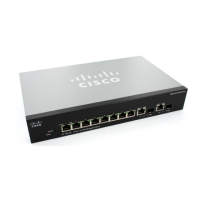
Ethernet Port—The unmanaged desktop switch is equipped with auto-
sensing, Ethernet (802.3), RJ-45 ports used for wired network
communications.
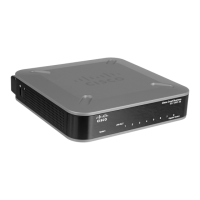
Power Port—attachment point for the power adapter.
Kensington Lock—a security slot where you can attach a Kensington lock
to protect the switch from theft.
Power Switch—cycles the unmanaged desktop switch on or off.
Where to Go From Here
Support
Cisco Small Business
Community
www.cisco.com/smb
Cisco Small Business Support
Community
www.cisco.com/go/smallbizsupport
Online Technical Support and
Documentation (Login Required)
www.cisco.com/support
Phone Support Contacts www.cisco.com/en/US/support/tsd_cisco_
small_business_support_center_contacts.html
Product Documentation
Cisco SF 100D-05, SF 100D-08,
SF 100D-16, or SG 100D-08
Unmanaged Desktop Switch
Quick Start Guide
www.cisco.com/en/US/docs/switches/lan/
csbus/sf10x-xx_sg10x-xx/desktop/
quick_start/78-19254-01.pdf
Regulatory Compliance and
Safety Information
www.cisco.com/en/US/products/ps10007/
tsd_products_support_series_home.html
Warranty Information www.cisco.com/go/warranty
Cisco Small Business
Cisco Partner Central for Small
Business (Partner Login
Required)
www.cisco.com/web/partners/sell/smb
Cisco Small Business Home www.cisco.com/smb
Marketplace www.cisco.com/go/marketplace


 To Next Page