Copyright © 2005-2012 Jaguar Telecom Version 1.8 Page 3 of 8
2 Initial configuration
The device comes pre-configured with all the settings pre-loaded. It is only necessary to
follow the network setup process described below.
2.1 Network Assumptions
• The SPA 112 will be connected to the LAN side of a broadband Ethernet router.
• The router is in NAT (network address translation) mode and the LAN side of the
router is using private IP address (usually 192.168.x.x).
• It is assumed that the router will act as a DHCP server and hand out IP addresses
for devices on the LAN side.
• It is also assumed that the router DHCP server will also provide the IP addresses
of DNS servers to use.
• It does not matter if the broadband has a static or dynamic IP address.
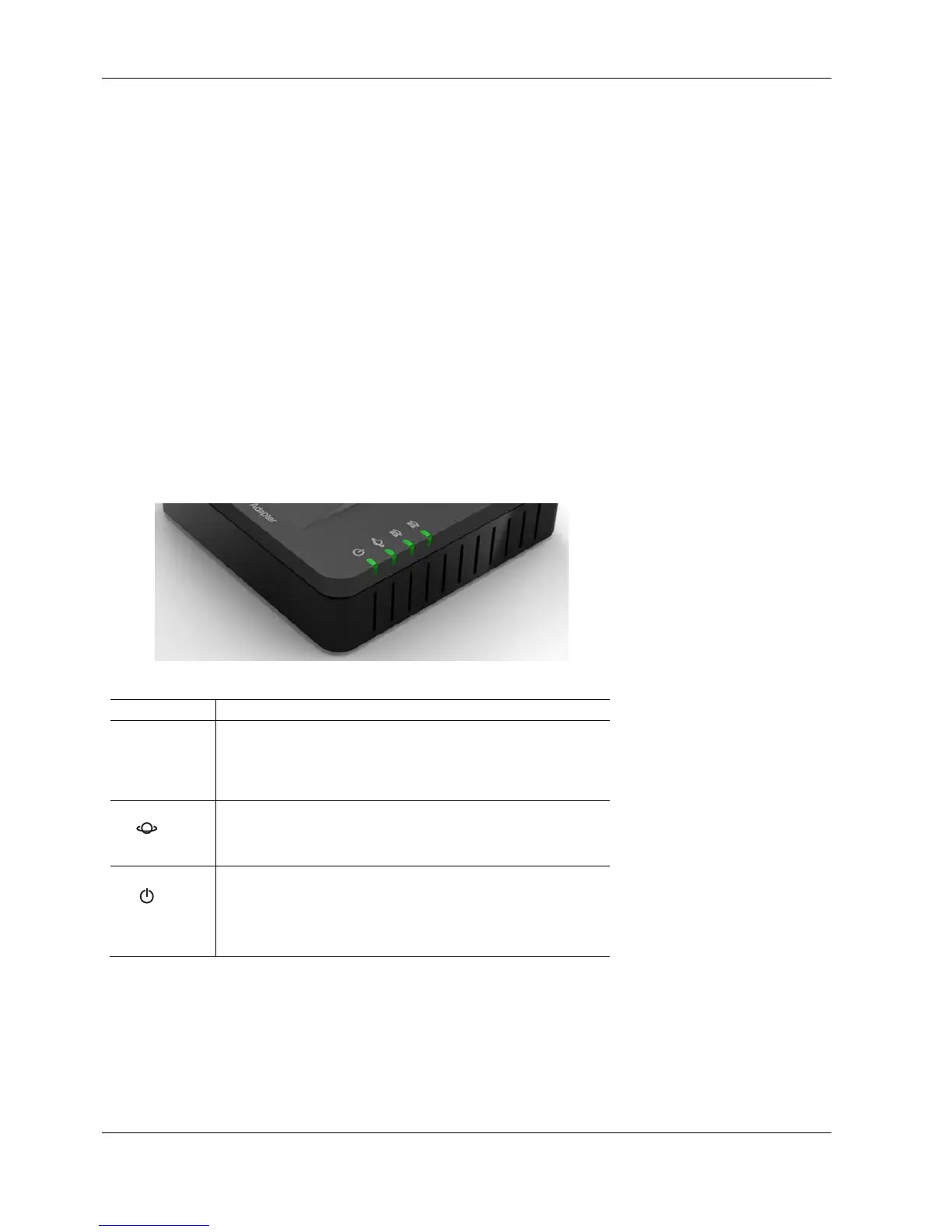
2.2 SPA112 Lights



 To Next Page