29-2
Catalyst 6000 Family Software Configuration Guide—Releases 6.3 and 6.4
78-13315-02
Chapter 29 Configuring CDP
Default CDP Configuration
Default CDP Configuration
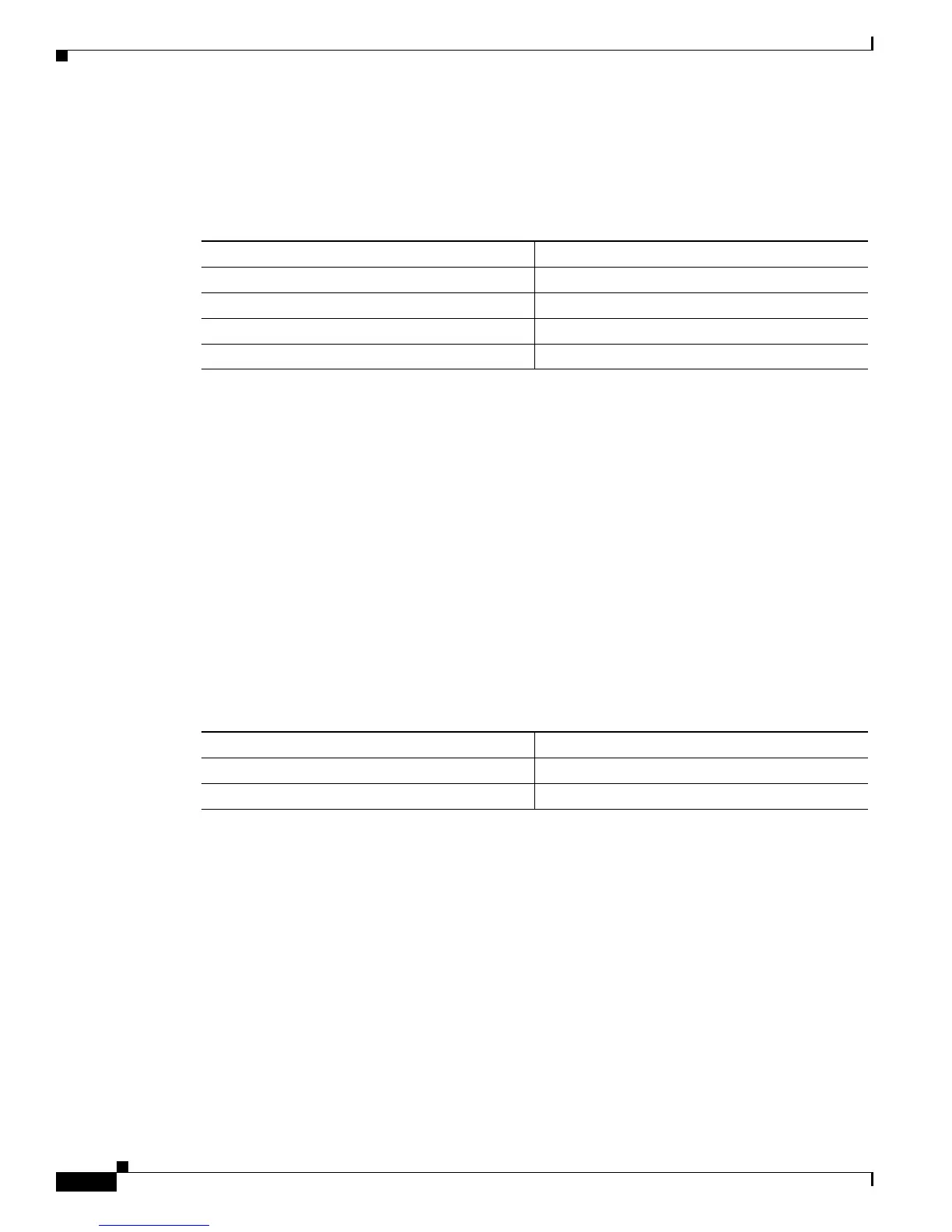
Table 29-1 shows the default CDP configuration.
Configuring CDP
These sections describe how to configure CDP:
• Setting the CDP Global Enable and Disable States, page 29-2
• Setting the CDP Enable and Disable States on a Port, page 29-3
• Setting the CDP Message Interval, page 29-4
• Setting the CDP Holdtime, page 29-4
• Displaying CDP Neighbor Information, page 29-5
Setting the CDP Global Enable and Disable States
To set the CDP global enable state, perform this task in privileged mode:
This example shows how to enable CDP globally and verify the configuration:
Console> (enable) set cdp enable
CDP enabled globally
Console> (enable) show cdp
CDP : enabled
Message Interval : 60
Hold Time : 180
Console> (enable)
This example shows how to disable CDP globally and verify the configuration:
Console> (enable) set cdp disable
CDP disabled globally
Console> (enable) show cdp
CDP : disabled
Message Interval : 60
Hold Time : 180
Console> (enable)
Table 29-1 CDP Default Configuration
Feature Default Value
CDP global enable state Enabled
CDP port enable state Enabled on all ports
CDP message interval 60 seconds
CDP holdtime 180 seconds
Task Command
Step 1
Set the CDP global enable state on the switch. set cdp {enable | disable}
Step 2
Verify the CDP configuration. show cdp










 To Next Page