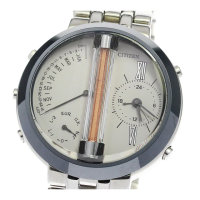
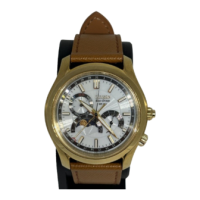
When the time on the watch is between 8:00 PM and 2:00 AM
Do not execute the quick date indicator adjustment. Otherwise the date indication may change
improperly.
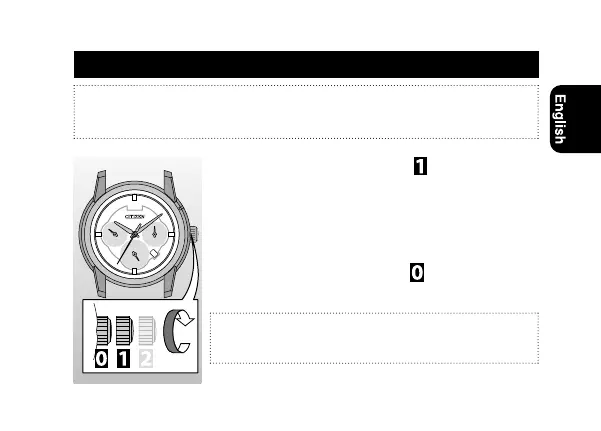
Adjusting the date (quick date indicator adjustment)
1
Pull the crown out to position .
2
Rotate the crown clockwise to adjust the date.
• The month hand moves each time the date indication
passes the 31st.
• Rotating the crown counterclockwise moves the day
hand.
3
Push the crown in to position to finish this
procedure
.
The date indicator on the watch is based on a 31-day calendar.
Adjust the date indication on the first days of March, May, July,
October and December.
11



 To Next Page