EasyManua.ls Logo

Citizen CT-D151 - User Manual

Citizen CT-D151
54 pages
Print Icon
To Next Page IconTo Next Page
Loading...
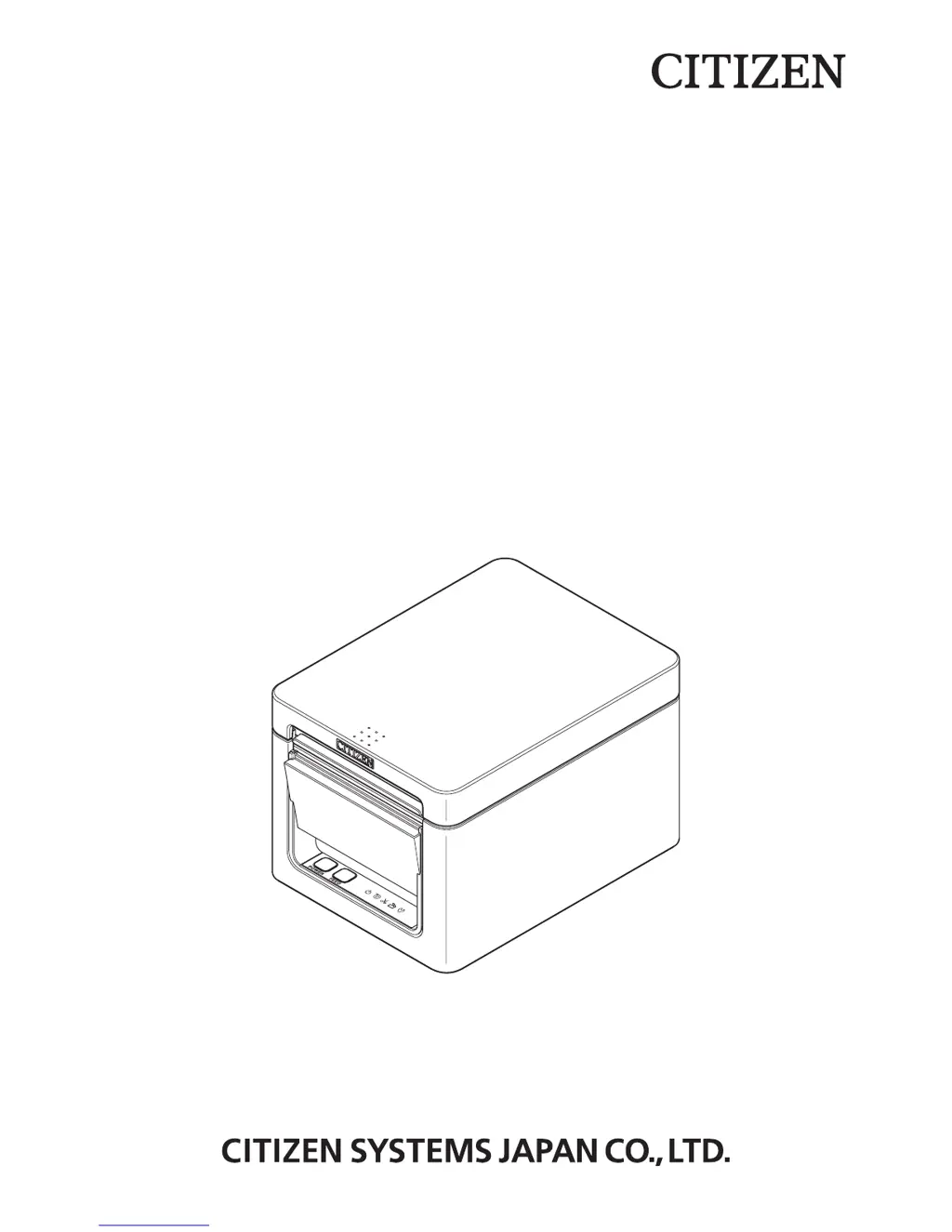
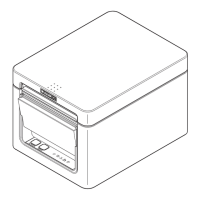
LINE THERMAL PRINTER
MODEL CT-D151
User’s Manual

Other manuals for Citizen CT-D151

Questions and Answers

  • E
    Eric BrownSep 8, 2025
    What to do if Citizen CT-D151 shows cutter error due to paper jam?
    • K
      Kimberly GarciaSep 9, 2025
      If the Citizen printer displays a cutter error due to a paper jam or another issue, remove the cause of the trouble and press the FEED button. If the auto cutter still does not move and the paper cover cannot be opened, refer to 'Clearing a Cutter Error.'
  • A
    allison71Sep 12, 2025
    Why does my Citizen CT-D151 print head get hot?
    • F
      fryaustinSep 12, 2025
      The print head of your Citizen printer may get hot when printing dense characters, dark images, or for an extended time in a hot environment. Wait for the print head to cool down.
  • D
    David HowellSep 13, 2025
    What to do if Citizen CT-D151 Printer cutter error due to foreign matter or paper jamming?
    • S
      Sierra PowellSep 13, 2025
      If the Citizen printer displays a cutter error due to foreign matter or paper jamming, remove any jammed paper, including any scraps. Remove the paper roll that is loaded in the holder. Reload the paper roll, and close the paper cover.
  • V
    vernon36Sep 15, 2025
    What to do if Citizen CT-D151 Printer is out of paper?
    • M
      Miss Rachel CuevasSep 15, 2025
      If the Citizen printer is out of paper, load a new paper roll.
  • S
    Sonia ThomasSep 17, 2025
    What to do when Citizen Printer paper near-end?
    • M
      Mary CookSep 17, 2025
      When the Citizen printer paper is near the end, prepare a new paper roll.

Citizen CT-D151 Specifications

General IconGeneral
Printer TypeDesktop
Resolution203 dpi
ConnectivityUSB, Serial
Paper Width58/60/80 mm
Power SupplyAC 100-240V, 50/60Hz
Print Width72mm (576 dots)

Related product manuals