32 33
7. Using the Chronograph
· The chronograph is able to measure time up to 59 minutes 59.95 seconds in 1/20
second units. It is reset to 0 after timing.
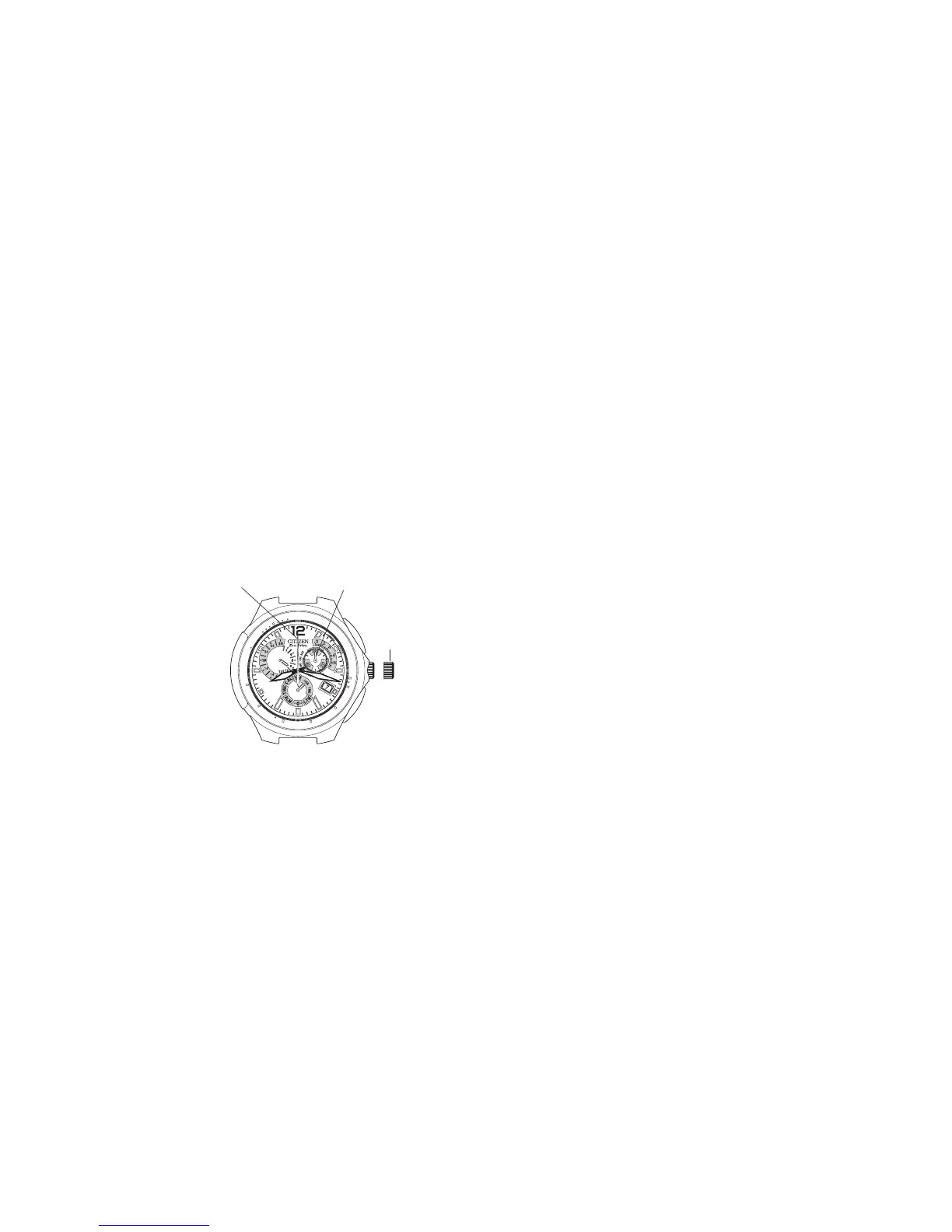
<Meanings of Hands When
Timing with the Chronograph>
Pull the crown out to Position 1 and
then turn the crown to align the
mode hand at [CHR] (chronograph).
Then return the crown to the normal
position.
· The second hand and function
hand are rapidly advanced to the
0 position and the watch enters
the chronograph mode.
· The second hand changes to the chronograph second hand and is rapidly advanced by
one revolution only when starting timing at 0 seconds. It then moves at one-second
intervals to measure chronograph seconds.
· The function hand changes to chronograph minutes and advances at one minute
intervals or it changes to chronograph 1/20 seconds.
· When button (B) is pressed to stop the chronograph, the function hand displays time
in chronograph 1/20 seconds for as long as it is pressed.
· The hour and minute hands may display the mode prior to switching the mode when
the watch has been switched from another mode to the chronograph mode.


 To Next Page