04
283
NAVIGATION - GUIDANCE
Select " Map management " and confi rm.
Select:
- " Vehicle direction " to have the map
follow the direction of travel,
- " North direction " to keep the map
always North up,
- " Perspective view " to display a
perspective view.
Select " Map orientation " and confi rm.
The colour of the map, different from the day and night mode, is
confi gured in the " SETUP " menu.
Map orientation
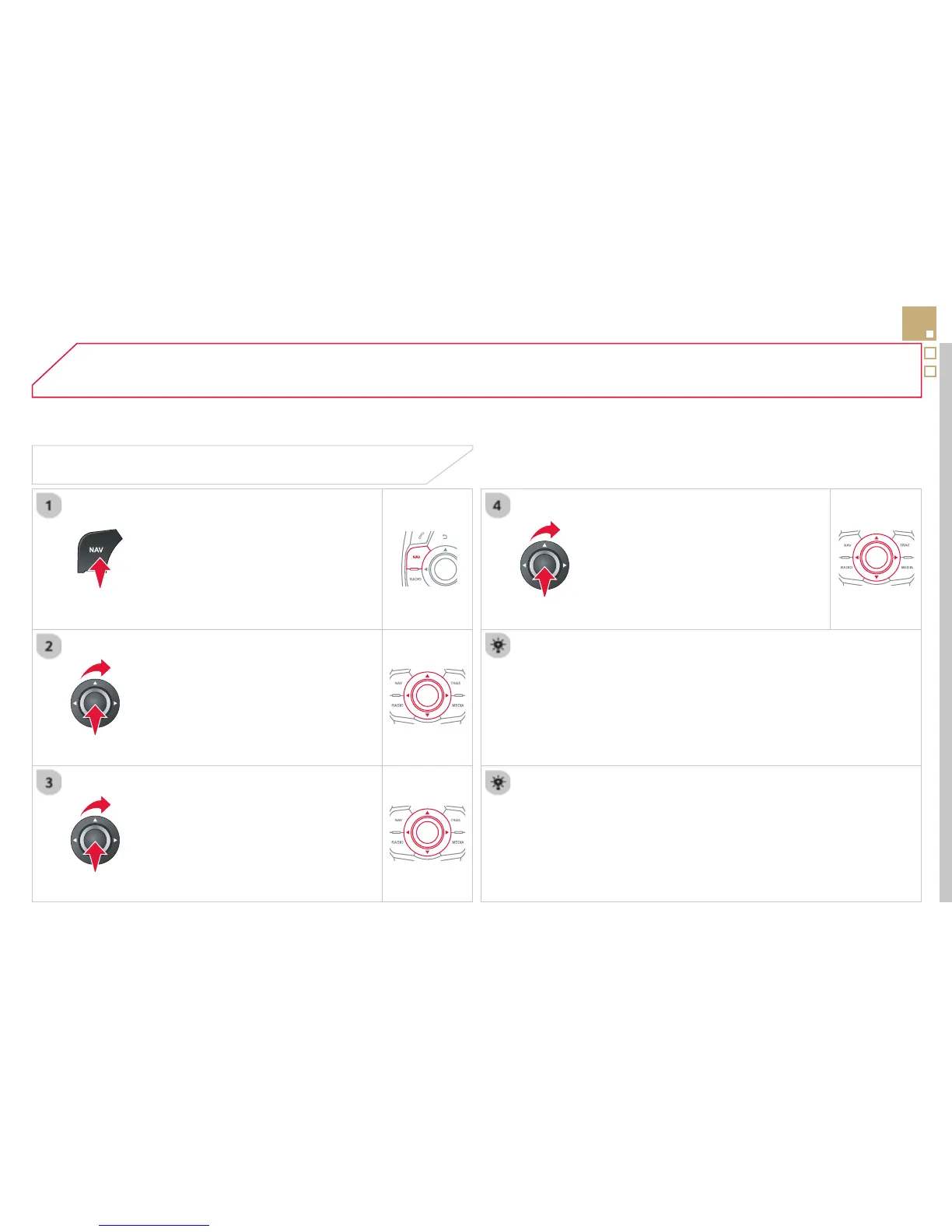
Press NAV to display the " Navigation -
guidance " menu.
Street names are visible on the map from the 100 m scale.



 To Next Page