Trouble Shooting
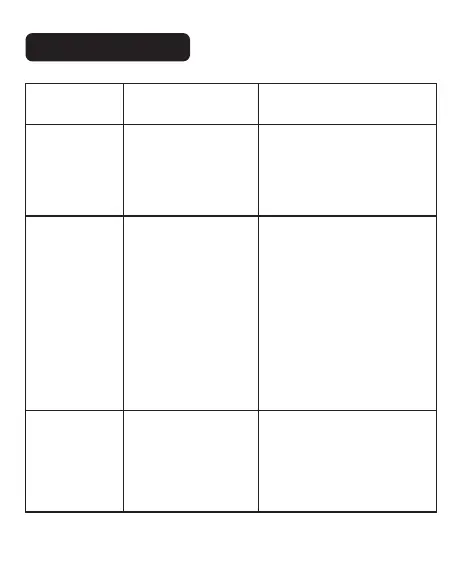
Symptom
Bluetooth failed
to connect
Cause Correction
- Low version of mobile
phone.
- The Bluetooth
permission is not
enabled.
- Machine only suitable for
Android 6.0 or above.
- Please turn on the
permission for the Bluetooth
and location in your
smartphone.
Print is not
centered, offset
- The label size is not
selected correctly.
- Software operation is
improper.
- Clearance mismatch.
- Paper holder is not
locked to the left.
- Please select the
corresponding label size
before printing.
- It can be adjusted through
the adjustment button on the
APP.
- Click the paper feed button
on the printer, and locate the
paper gap.
- Go to our product page to
watch the video.
Machine does
not work on
computer
- The model is not
chosen correctly.
- Check the printer preview
page for the correct model of
printer selected, the correct
model will be shown with the
machine model "CT220B".
15


 To Next Page