Paper Roll Loading
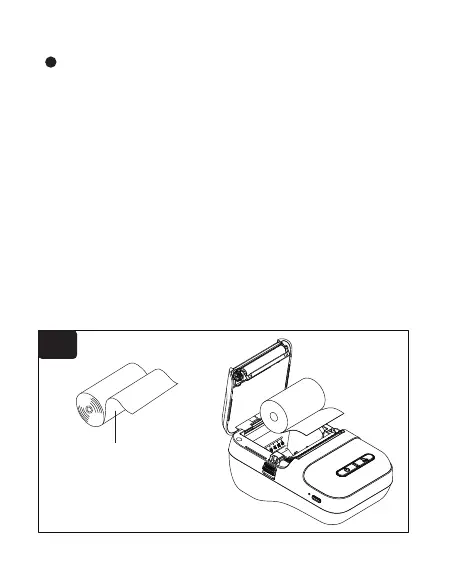
① The paper should load to the left.The thermal side for
printing should face down.(fig.1)
② There is a blue spool holder bracket that should be
snug against the paper. Push forward to lock the paper
before printing,and push back to unlock.(fig.2)
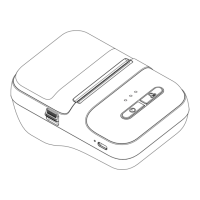
③ Pull out part of the paper roll and close the top cover,
make sure both sides of the cover are closed.(Note:
Face the serrations and tear the label paper down)(fig.3)
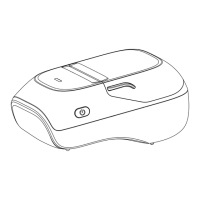
④ Press and hold the power button for 2s to turn on the
printer.(fig.4)
Thermal surface
fig.1
4


 To Next Page