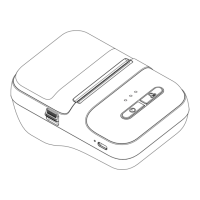
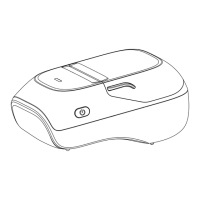
KEY FUNCTION
Operation methodfunction
Start Up Hold down the power button for 2 seconds
Hold down the power button for 2 seconds
Double-click the power button when the paper is
loaded correctly and the machine is turned on
Click the power button when the paper is properly
loaded and powered on
Shutdown
Print self-
test page
One piece
of paper
During printing, click the power button to pause printing
Pause printing
In a paused printing state, click the power button
to continue printing
Continue
printing


 To Next Page