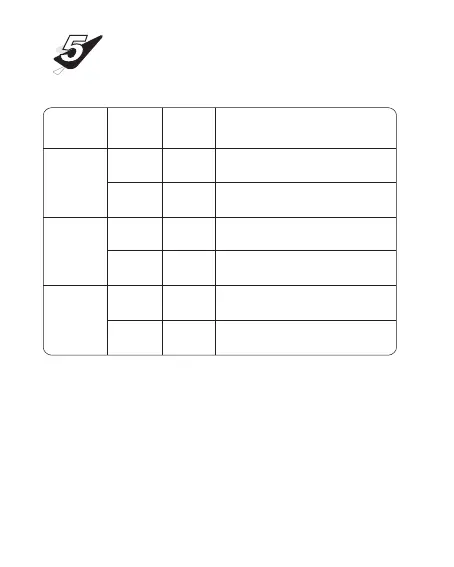
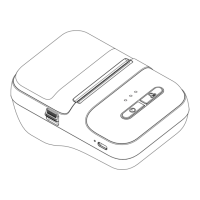
Status Description
Classification
Bluetooth
status light
Abnormal
status light
Charging
status light
Indicator
light
Blue Light
Bluetooth not connected
Bluetooth is connected
The top cover is not closed, the paper bin is out
of paper, the print head temperature is too high
Low battery, please charge
Charging in progress
Fully charged
flashing
Normally on
flashing
Normally on
flashing
Normally on
Blue Light
Red Light
Red Light
Green Light
Green Light
Status
INDICATOR LIGHT
DESCRIPTION
① Light display priority, charging status light > abnormal
status light > Bluetooth status light.
② If you need to observe the abnormal and Bluetooth
status of the printer under charging status, please end
the charging or go to the cell phone software to check.


 To Next Page