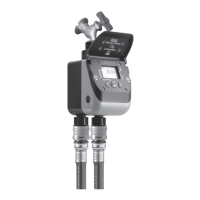
Tempo Select
Tempo Select
Pag. 3
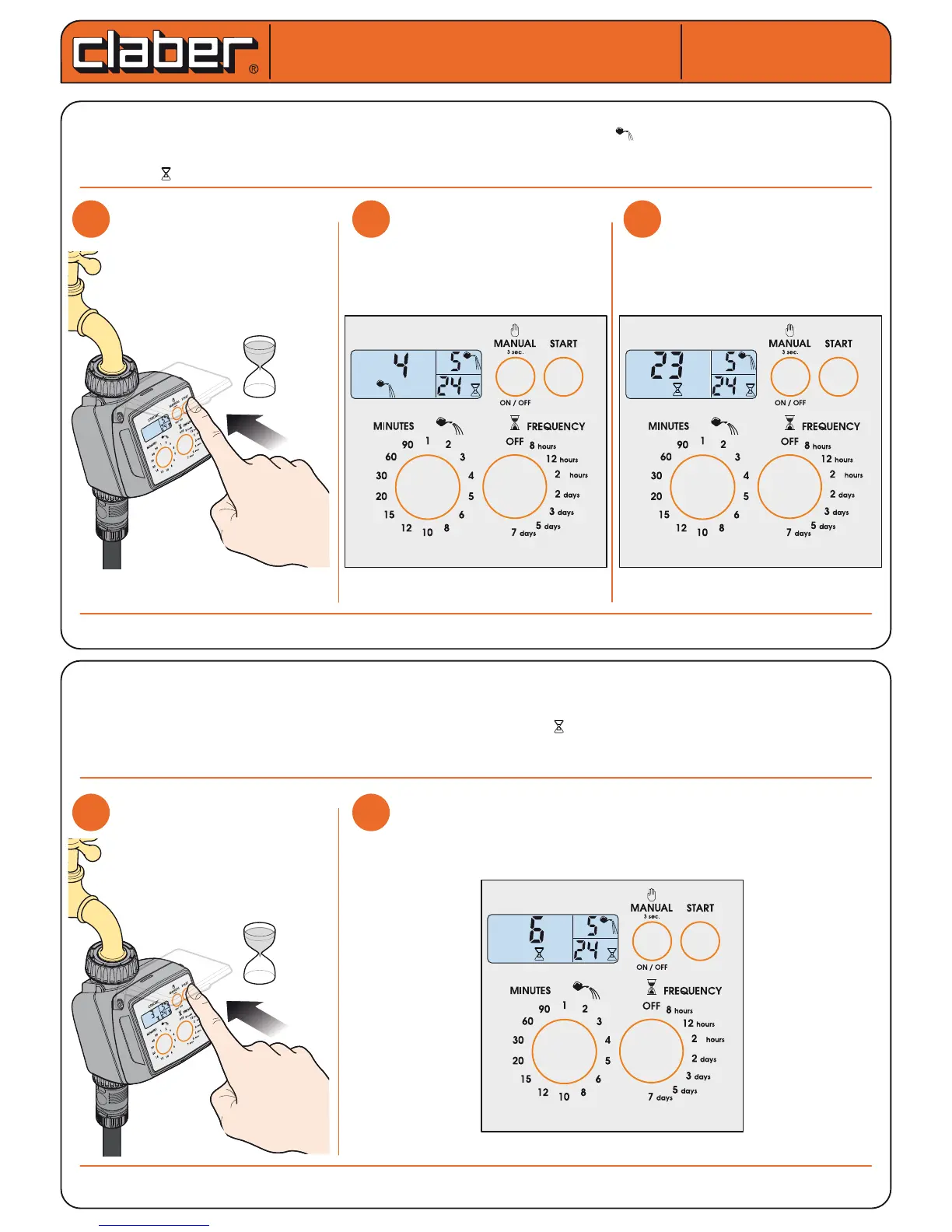
Immediate start. Within 10 seconds of selecting the programme, press the “START” button once only. Releasing the button, the message "0
h" blinks 3 times in the display, and the automatic watering cycle will start immediately. The symbol appears in display eld "C" indica-
ting that watering is in progress, together with the time remaining until the end of the cycle. At the end of the watering cycle, display eld
“C” shows the symbol together with time remaining until the start of the next watering cycle.
Delayed start. Within 10 seconds of selecting the programme, press the “START” button repeatedly until display eld
“C” shows the delay, between 1 and 23 hours, before the start of the automatic watering cycle (e.g. 6 hours). Release
the button, and the number of hours will blink 3 times, after which the programme begins the countdown to the auto-
matic start of the watering cycle, shown in display eld “C” above the symbol.
Making changes to the watering programme. Repeat the programming procedure as indicated in the “selection of watering
programme” section (e.g. changing 5 to 10). The new programme will replace the previous one.
For Tempo Select (cod.): 8486
For Tempo Select (cod.): 8486
User manual
User manual
m
h
m
4
m
h
m
4


 To Next Page