English
6 DB185MP
3. CONTROLS
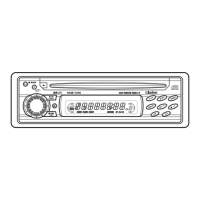
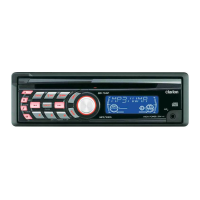
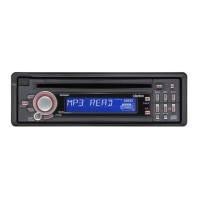
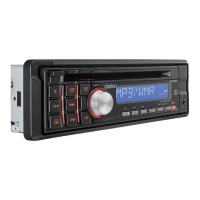
Names of the Buttons and Their Functions
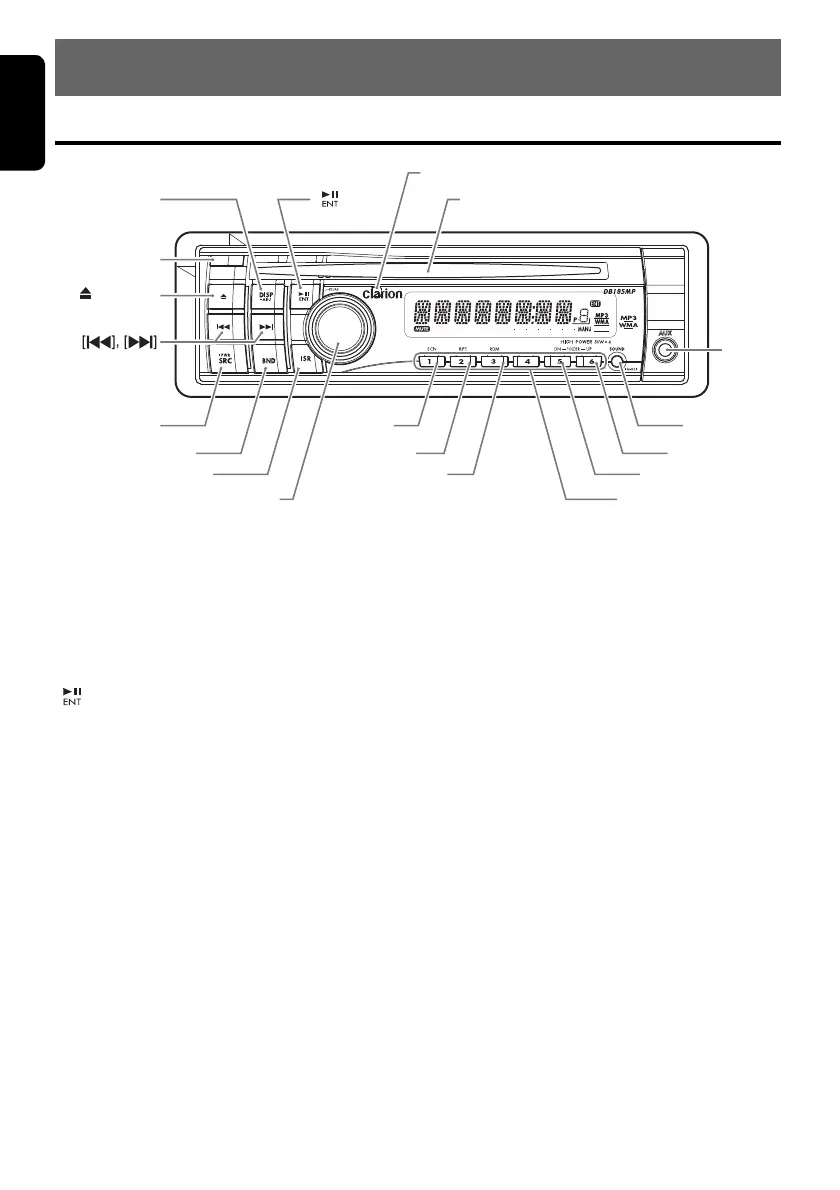
[RELEASE] button
• Press the [RELEASE] button to unlock the
DCP.
[DISP] button
• Switch the display indication.
• Press and hold the button for 1 second or
longer to enter the adjust mode.
[] button
• Perform preset scan while in the radio mode.
When the button is pressed and held, auto
store is performed.
• Play or pause a track while in the CD/MP3/
WMA mode.
• Confirm various settings.
[IR RECEIVER]
• Receiver for remote control unit. (Operating
range: 30° in all directions)
[CD SLOT]
• CD insertion slot.
[AUX] input jack
• The input jack for connecting an external
device.
[SOUND] button
• Use the button to switch to the sound adjust
mode.
• Press and hold the button for 1 second or
longer to turn on or off the MAGNA BASS
EXTEND mode.
[UP], [DN] buttons
• Select the folder while in the MP3/WMA
mode.
• Use the buttons to perform various settings.
[DIRECT] buttons
• Store a station into memory or recall it directly
while in the radio mode.
[RDM] button
• Perform random play while in the CD/MP3/
WMA mode.
• Press and hold the button for 1 second or
longer to perform folder random play while in
the MP3/WMA mode.
[RPT] button
• Perform repeat play while in the CD/MP3/
WMA mode.
• Press and hold the button for 1 second or
longer to perform folder repeat play while in
the MP3/WMA mode.
[
RELEASE
]
[ ][
DISP
]
[
SRC
]
[
BND
]
[
ISR
]
[
ROTARY
]
[
SCN
]
[
RPT
]
[
DN
]
[
UP
]
[
] (EJECT)
[
RDM
]
[
SOUND
]
[
AUX
]
[
DIRECT
]
[
CD SLOT
]
[
IR RECEIVER
]


 To Next Page