11
The number “x/x” to the upper right corner of the screen indicates the
total number of items under the menu and sequence of the currently
selected item.
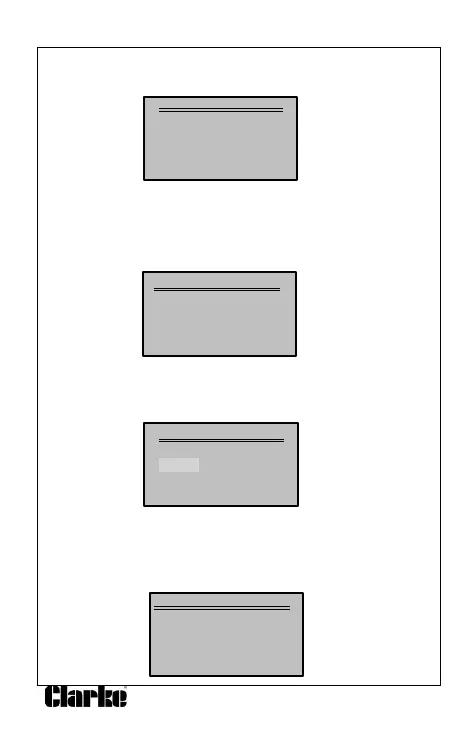
. System Setup
1) Language
2) Unit of measure
3) Contract
4) Exit
Language Setup
English is the default language.
1) From the System Setup menu, use the SCROLL button to select
Language and press the ENTER/EXIT button.
System Setup
1) Language
2) Unit of measure
3) Contract
4) Exit
2) Use the SCROLL button to select the desired language and press
ENTER/EXIT to save you selection and return to the previous menu.
Language
Deutsch
English
Francais
Espaniol
Unit of Measurement
Metric is the default measurement unit.
1) From System Start-up menu, use the SCROLL button to select the
Unit of Measurement and press the ENTER/EXIT button.
System Setup
1) Language
2) Unit of measure
3) Contrast
4) Exit


 To Next Page