14
8) After the code reader successfully links to the ECU, the diagnostic
menu will come up.
4.1 System Status
1) Use SCROLL button to select ‘System Status’ from the Diagnostic
menu and press ENTER/EXIT button. The system status is
displayed (MIL status, DTC counts & monitor status) according to
the model of vehicle.
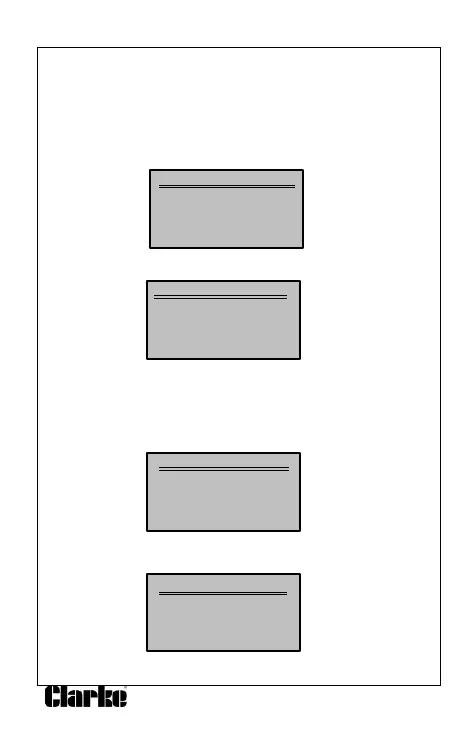
Diagnostic Menu
1) System Status
2) Read Codes
3) Erase Codes
4) Live Data
2) View the System Status contents on the screen.
System Status
1)
Code Found 3
2)
Monitors N/A 4
3)
Monitors OK 2
4)
Monitor INC 2
4) Press the ENTER/EXIT button to return to the previous menu.
4.2 Reading Codes
1). Use the SCROLL button to select ‘Read Codes’ from the diagnostic
menu and press the ENTER/EXIT button.
Diagnostic Menu
1) System Status
2) Read Codes
3) Erase Codes
4) Live Data
If more than one module is detected, you will be prompted to select
a module before testing.
Control Module
1) Engine
2) Module $A4
3) Exit
Use the SCROLL button to select a module and press the
ENTER/EXIT button.


 To Next Page