EasyManua.ls Logo

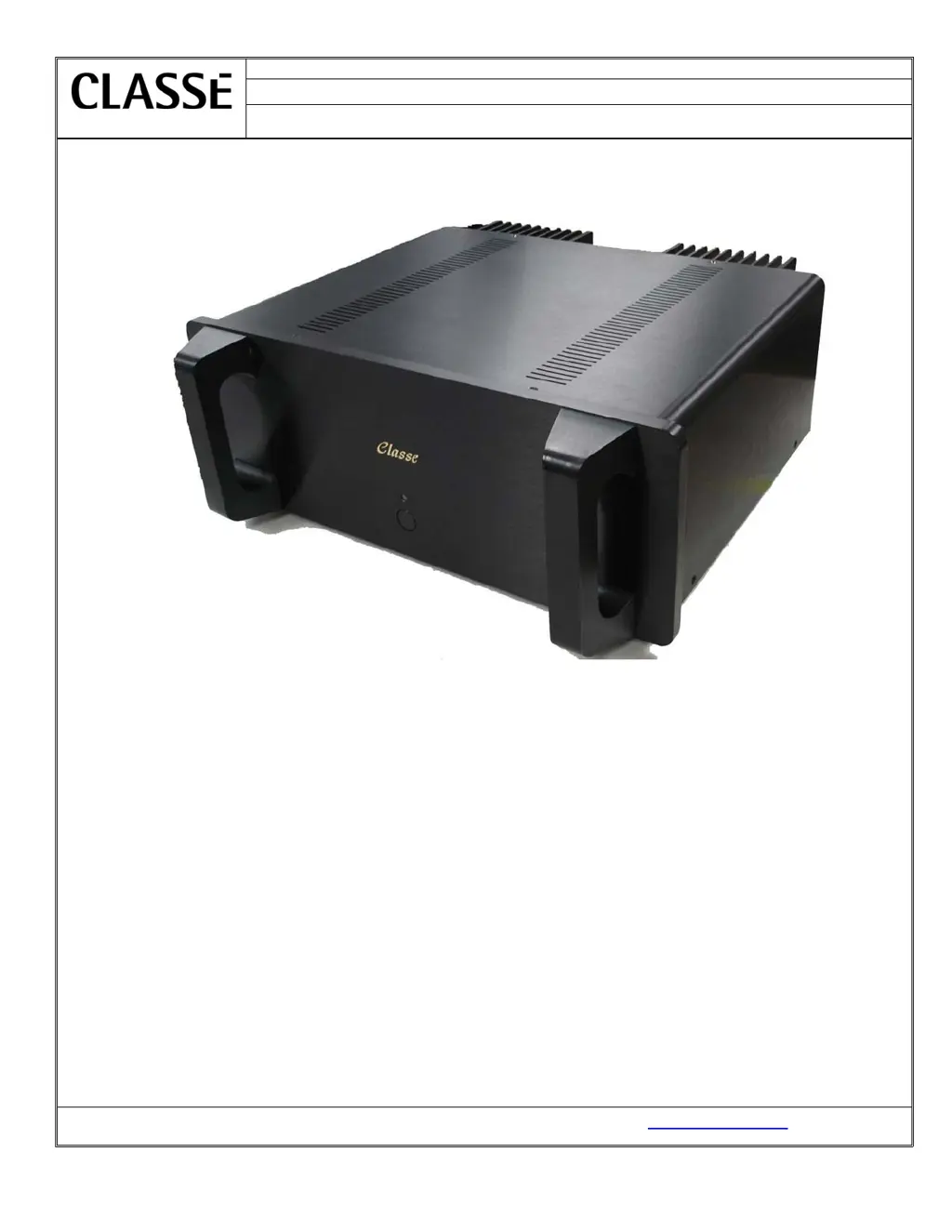
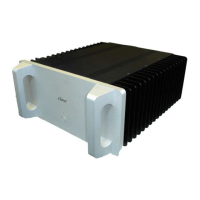
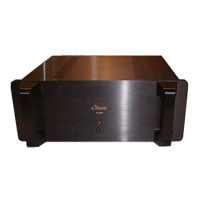
Classe Audio CA-100-101 - User Manual

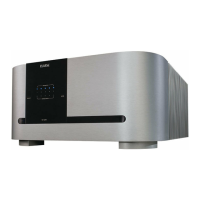
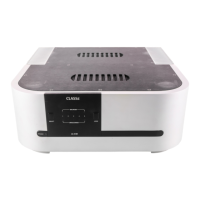
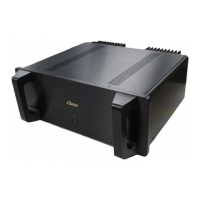
Classe Audio CA-100-101
18 pages
Print Icon
To Next Page IconTo Next Page
Loading...
PRO-SVR_LEGACY Page 1 of 14
Date:
August 14, 2007
Model Number:
CA-100-101
Classé Audio Inc.
Subject:
Service manual
Classé Audio, Inc. 5070 François Cusson Lachine, Québec Canada H8T1B3, www.classeaudio.com

Questions and Answers

  • A
    alyssaandersonAug 4, 2025
    What to do if my Classe Audio CA-100-101 Amplifier turns into protection?
    • A
      Adam LopezAug 4, 2025
      If your Classe Audio Amplifier is turning into protection mode, examine it for smoked or burned components. Also, inspect the power supply circuits, including the positive rail, negative rail, and Mosfet supply. Verify the source and load, then check the protection circuit. It's also important to check the sensor wires between the sensor PCB and control PCB, as well as the outputs transistors and Mosfet drivers.
  • A
    Amanda MorrisAug 9, 2025
    What to do if my Classe Audio Amplifier has no output?
    • K
      Kevin RuizAug 9, 2025
      If your Classe Audio Amplifier isn't producing any output, begin by checking the connections. Then, inspect the output relays and the power supply circuits, including the positive rail, negative rail, and Mosfet supply. Finally, check the output transistors.
  • K
    Katelyn HerreraAug 13, 2025
    What to do if I see smoked or burned components in my Classe Audio CA-100-101?
    • R
      Robert NewmanAug 13, 2025
      If you notice smoked or burned components in your Classe Audio Amplifier, check for shorts between components and ground. Also, inspect the output transistors, output relays, and the power supply circuits, including the positive rail, negative rail, and Mosfet supply.
  • B
    Barbara SmithAug 19, 2025
    Why does my Classe Audio Amplifier have excessive buzz or hum?
    • A
      Aimee McdonaldAug 19, 2025
      If your Classe Audio Amplifier is experiencing excessive buzz or hum, examine the electrical lines. Additionally, check for a ground loop within the system.
  • C
    Chris AllisonAug 23, 2025
    What causes blown fuses in my Classe Audio CA-100-101?
    • S
      Sean EsparzaAug 25, 2025
      If the fuses in your Classe Audio Amplifier are blowing, check for a short between the fuse and ground. Also, check the power supply circuits, including the positive rail, negative rail, and Mosfet supply.
  • J
    Jon PaceAug 28, 2025
    How to fix a Classe Audio Amplifier that won’t turn on?
    • S
      sandersbrianAug 28, 2025
      If your Classe Audio Amplifier won’t turn on, check the connections and fuses. Inspect the soft-start circuit and relays. Also, check the power supply circuits, including the positive rail, negative rail, and Mosfet supply.

Summary

Introduction and Servicing Guidelines

Important Notes on Servicing

Crucial safety and handling guidelines for servicing the unit, including ESD precautions.

Ordering Replacement Parts

Procedure and requirements for ordering spare parts, including necessary information.

Block Diagrams

Start Up Procedure

Protection Modes and Indicators

Troubleshooting Guide

Output Transistors Testing and Replacement

Calibrations and Adjustments

Bias Adjustment Procedure

Procedure for adjusting the bias current for optimal performance, including steps and target values.

DC Offset Adjustment

Procedure for setting the DC offset to zero for signal integrity, with acceptable tolerance.

Parts List

Updates and Modifications

Fuses

Voltage Change Procedure

Remote Interface Information

Classe Audio CA-100-101 Specifications

General IconGeneral
TypeSolid State
Channels2
Power Output (8 Ohms)100 W
Input Impedance50 kOhms
Damping Factor200
Weight11.4 kg

Related product manuals