PRO-SVR_LEGACY Page 6 of 14
Protection Modes and Indicators
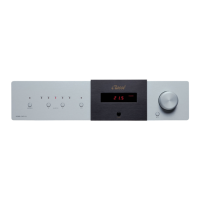
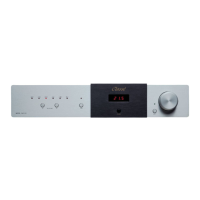
The front LED display shows the status of the amplifier. When starting up normally, the CAP80 / CAP101 will
show a countdown from 20 to 0. However, there is no protection on the CAP80 / CAP101. The CAP80 /
CAP101 is equipped with four rail protection fuses. In the event that one or more of these fuses would blow,
the technician will first need to identify and cure the cause of failure (please report to troubleshooting guide).
When the cause has been identified, disconnect the unit from the system including the AC power. Remove the
top cover and look for damaged or burned components. If no other components than the fuses appear to be
damaged, the technician can then replace the broken fuses with the same value and rating (please report to
fuses section). The rail fuses are located on the main board. When replacing fuses, please make sure that the
fuse holder are holding the fuses very tightly. A loose fuse holder can translate into distortion on top of the
signal.




 To Next Page