6
MAIN FEATURES
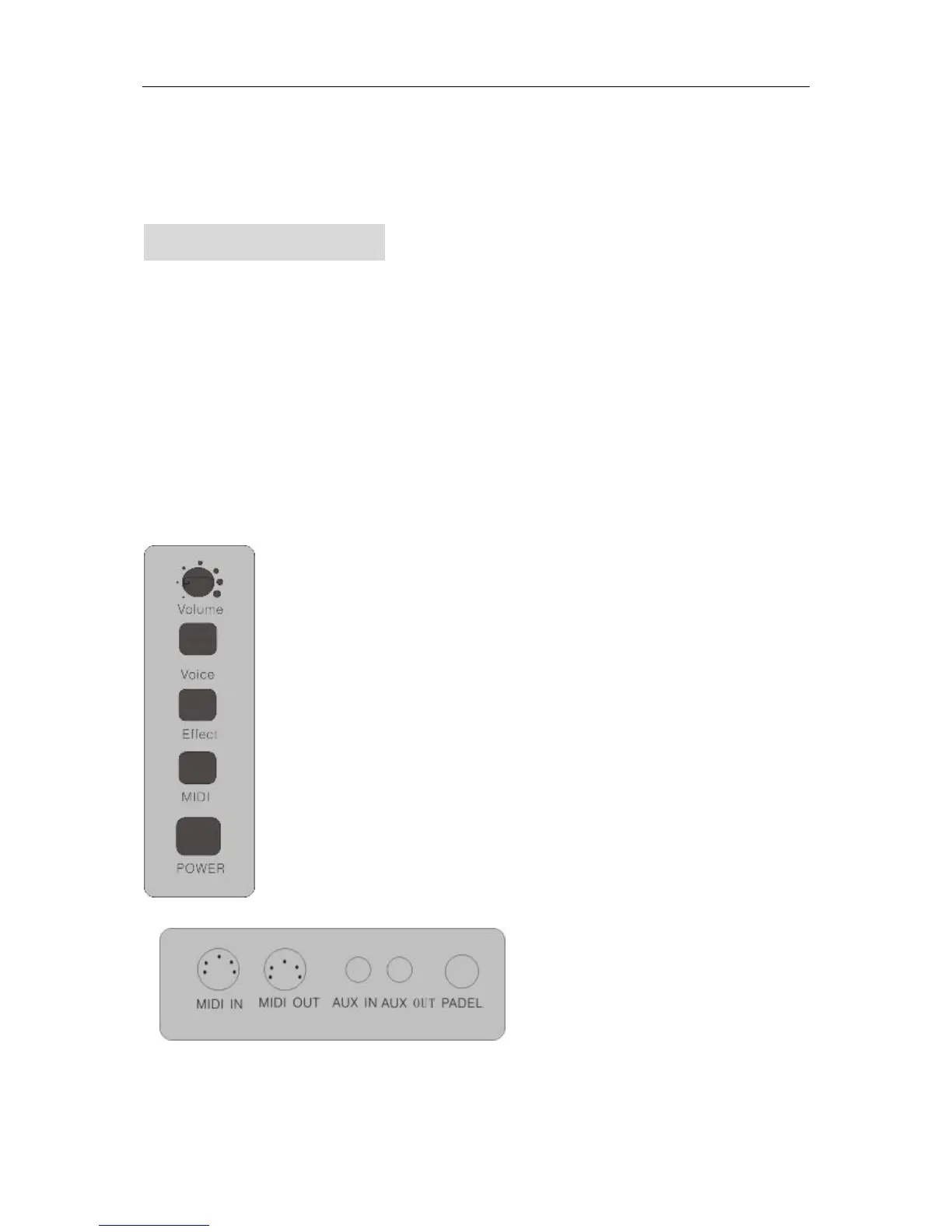
1. Switch
On / off
2. Volume
3. Effect
It is used to choose the REVERB effect, CHORUS effect, and metronome.
4. MIDI
It serves two functions: one is to allow you transpose the piano into different keys; two is to allow
you control over multiple MIDI functions (generated by a computer or external MIDI sequencer.
5. VOICE
It is used to select 8 tones, layer, demo songs, record and play.
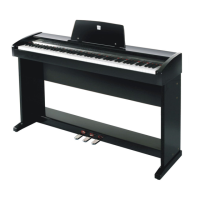
Terminal drawing


 To Next Page