12
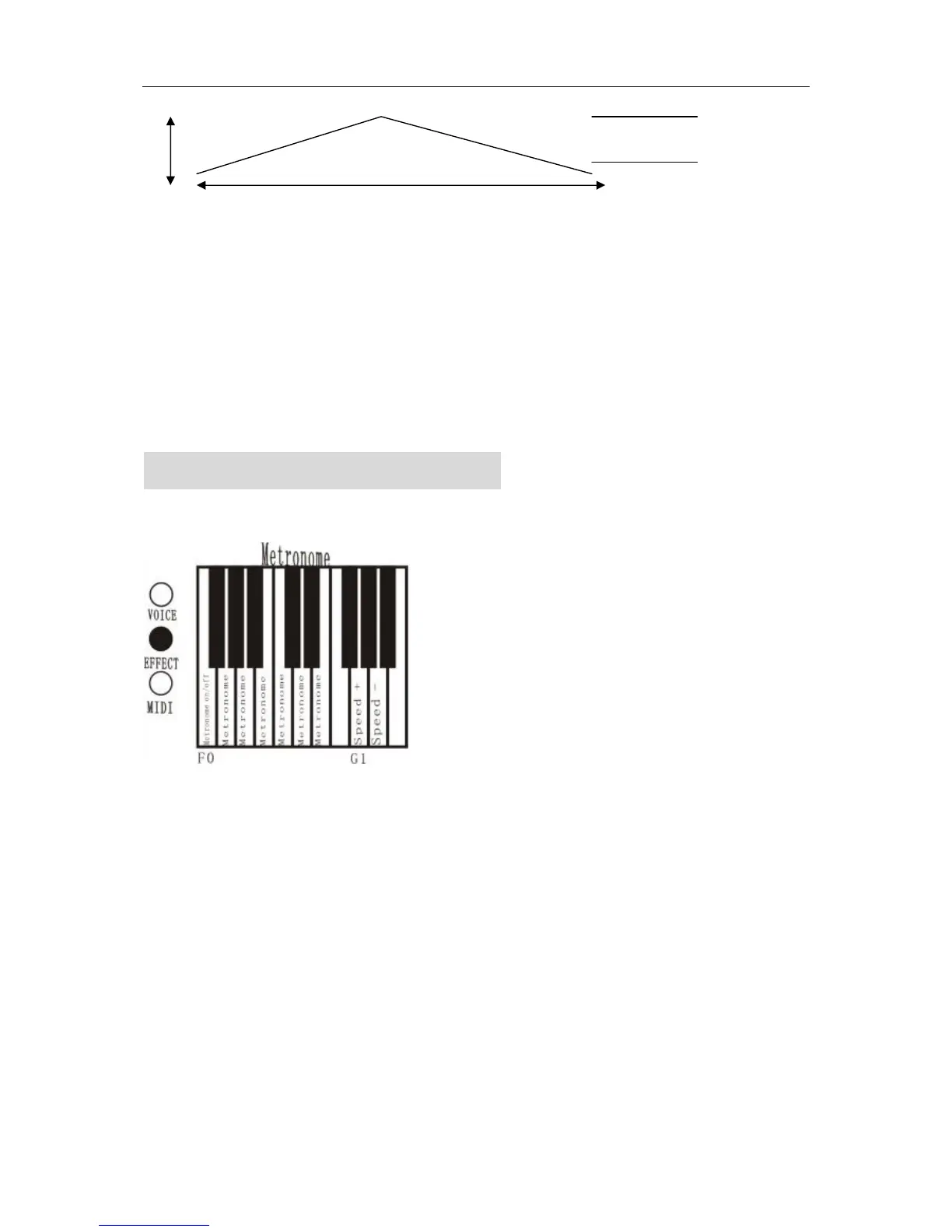
High----------------------------------------------------------------------------- right timbre
Volume left timbre
Low
9-1 8-2 7-3 6-4 5-5 4-6 3-7 2-8 1-9
Initial value
METRONOME FUNCTION
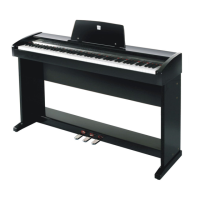
1. Hold down the EFFECT button and press the keyboard’s key F0 start metronome
2. Hold down the EFFECT button and press the keyboard’s key(G0 and E1),select metronome.
It is 6 kinds of metronome.
3. Change the speed.
Hold down the EFFECT button and press the keyboard’s key(G1 and A1),adjust the speed of the
metronome.
●the range of speed set: 20-(120)-250
●When the power is on, the speed is 120.
4. Stop metronome function
Hold down the EFFECT button and press the keyboard’s key(F1). The function stops


 To Next Page