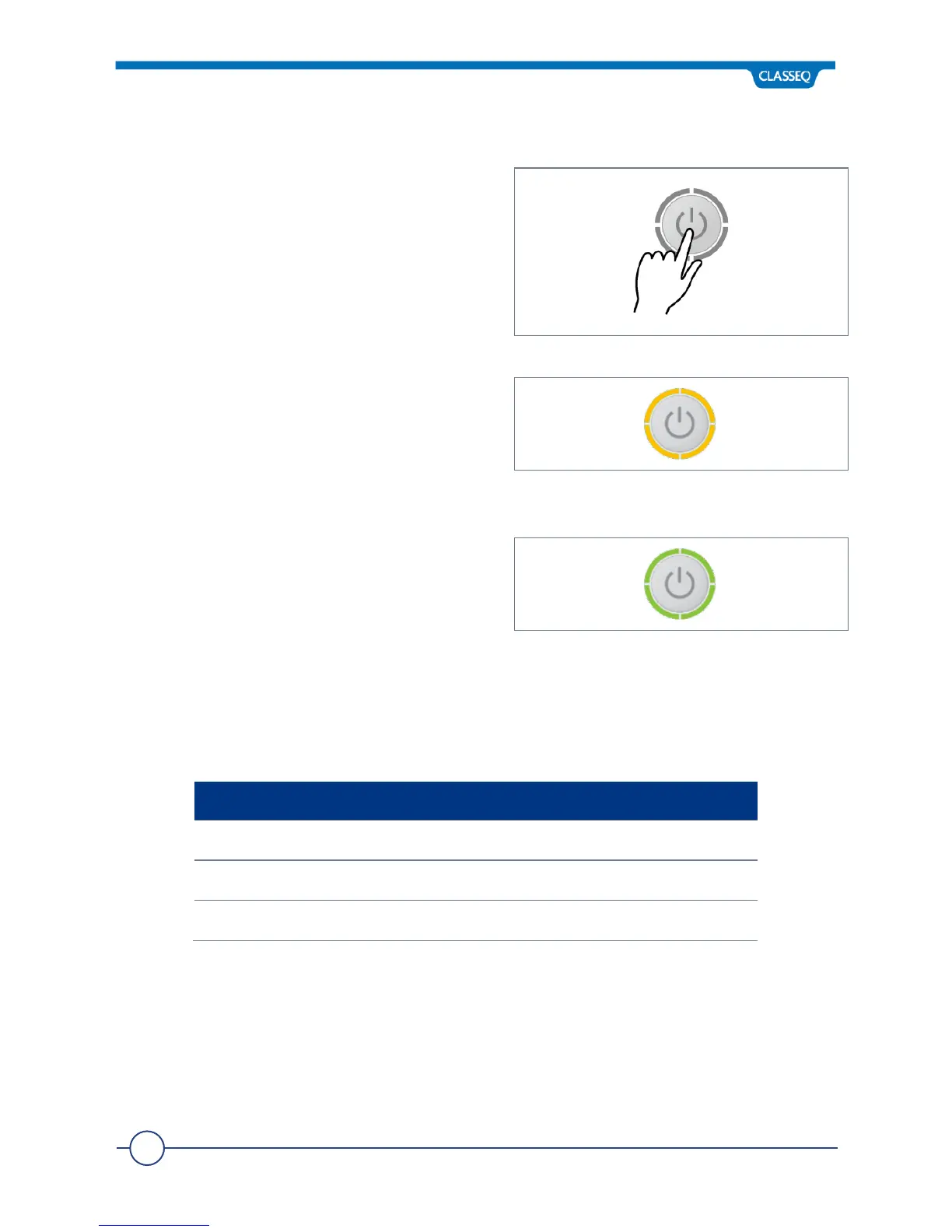
6.2 Turning on the Warewasher
To turn on the warewasher, ensure the door is
closed and press the On/Off button (1) on the
Control Panel. The display will illuminate and the
warewasher will start to fill, as long as the door is
closed.
6.3 Warewasher Ready to Operate
Your warewasher operates a pulse fill function,
this means that it will fill the Rinse Tank, heat this
to a pre-set temperature then transfer this water
to the Wash Tank. During the fill stage the
Heating indicator (4) will flash amber.
Once the Wash Tank is filled and both Tanks are
up to the required temperatures, the Heating
indicator will illuminate green to indicate the
warewasher is ready to run a cycle.
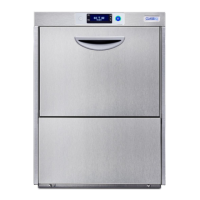
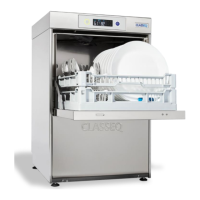
The time required for the warewasher to fill and heat will vary depending on the power rating
of the warewasher, as stated on the rating label (►2.3), and the incoming water temperature.
Below is a guide to these fill and heating times when the incoming water is 16°C.


 To Next Page