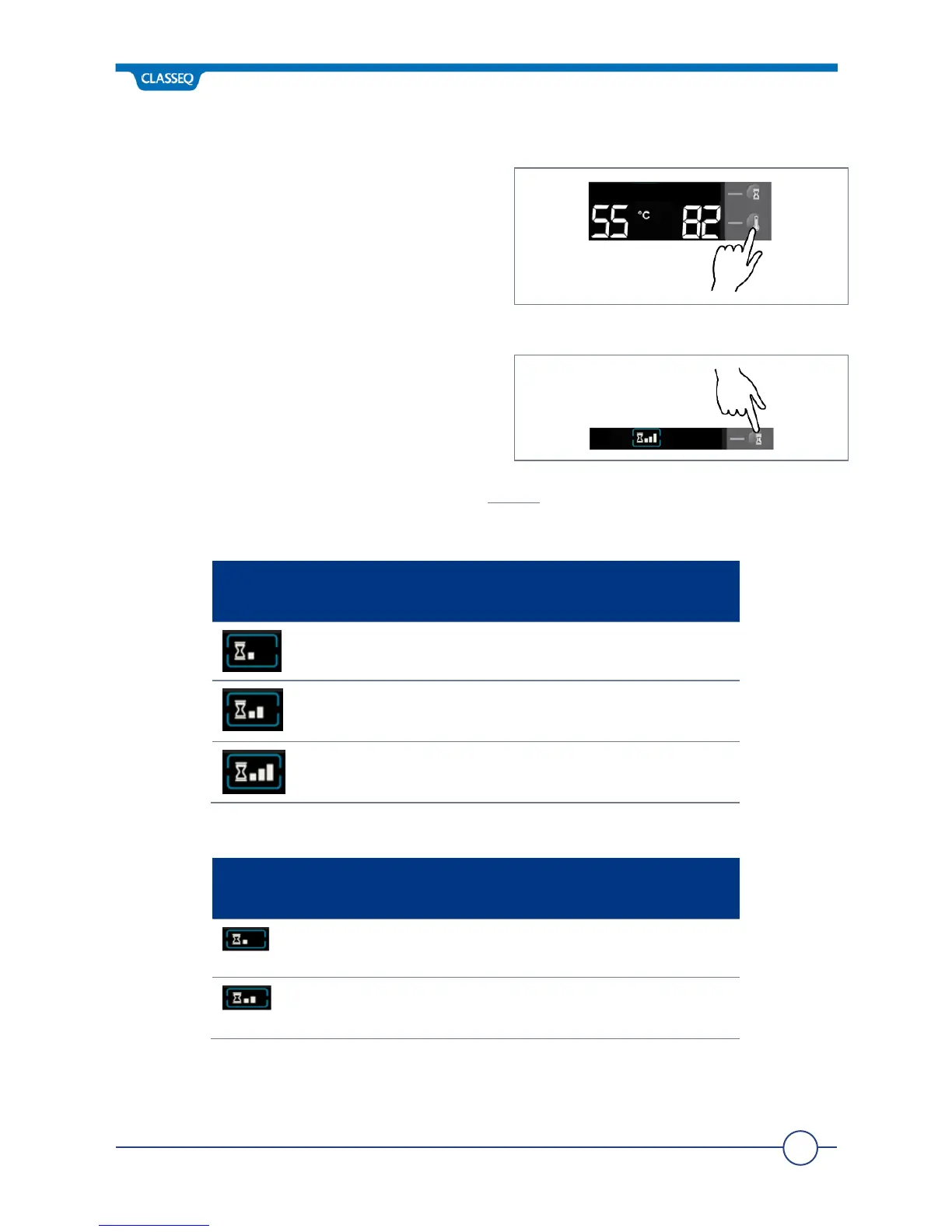
6.4 Changing Temperature Units
The temperature displays (8 and 9) on your
warewasher can be shown in °C or °F (10). Press
the Temperature Units button (6) to cycle
between these options.
6.5 Selecting a Wash Program
Your warewasher has multiple program times;
these are pre-set to offer the best possible
results. To select a program press the Program
Select button (5) until the Program indicator (7)
shows the selection you require.
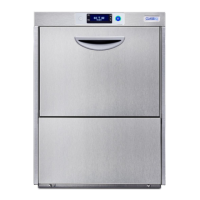
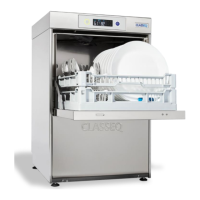
When the warewasher is turned on (►6.2) it will always start on the ‘Normal’ program.
6.5.1 Dishwasher program options:
Your warewasher has a heat interlock to ensure that the rinse is in accordance with
environmental health requirements. This will extend the wash cycle if the Rinse Boiler has not


 To Next Page