Need help?
Do you have a question about the Clavia ddrum4 and is the answer not in the manual?
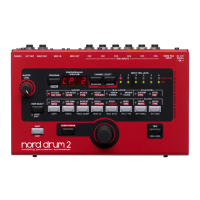
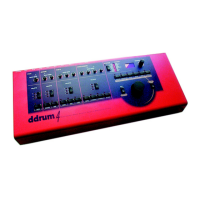
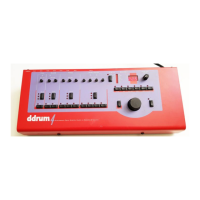
Detailed description of the ddrum4's front panel controls and layout.
Description of the ddrum4's rear panel connections and ports.
Initial setup procedure for connecting and powering on the ddrum4 system.
Guide on choosing the correct trigger input for various drum pads and sensors.
How to calibrate drum pad sensitivity for optimal triggering and dynamics.
Adjusting trigger thresholds to prevent false triggers and improve accuracy.
Procedure for saving custom sound edits and kit configurations.
Explanation of system parameters and how to adjust them.
Details on selecting and configuring trigger input types for pads.
Adjusting the trigger threshold to prevent accidental triggering.
Modifying dynamic response curves for varied playing styles.
Configuration and modes for MIDI communication and control.
Adjusting sound characteristics like variation, pitch, and decay.
Step-by-step guide for loading new sounds via MIDI.
 General
| Type | Electronic Drum Module |
|---|---|
| Trigger Inputs | 12 |
| MIDI | Yes |
| Sound Engine | Sample-based |
| User Samples | Yes |
| Display | LCD |
| Sampling | Yes |
| USB | Yes |
| Sequencer | Yes |
| Power Supply | AC Adapter |
| Dimensions | Varies depending on configuration |
| Weight | Varies depending on configuration |
| Effects | Reverb, EQ |
| Outputs | Multiple |
| Pads | Not included (module only) |

 To Next Page