
 Need help?
Do you have a question about the Clavia Nord Piano and is the answer not in the manual?
Basic precautions for using electric products, including warnings, cleaning, and ventilation.
Further safety guidelines regarding flames, tropical climates, and liquids.
Details installation steps, system requirements, and the Sound Manager interface.
Covers transferring pianos, deleting, creating sounds, and partition management.
Covers organizing partitions, searching, and downloading sounds.
Details Organize, Dual View, Sound Up/Down, Rename, and Delete functions.
Explains File, Edit, View menus, and actions like Rename, Delete, Invert Selection.
Covers Help, Footer, Tabs, Search, and Update information.
 General
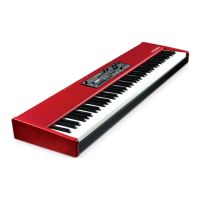
| Type | Digital Piano |
|---|---|
| Keyboard | 88-key Hammer Action |
| Effects | Reverb |
| Connectivity | USB, MIDI, Sustain Pedal, Headphone output |
| Amplification | Not included (requires external amplification) |
| Weight | 18.5 kg (40.8 lbs) |
| Polyphony | 40-120 voices (depending on sound engine) |





 To Next Page