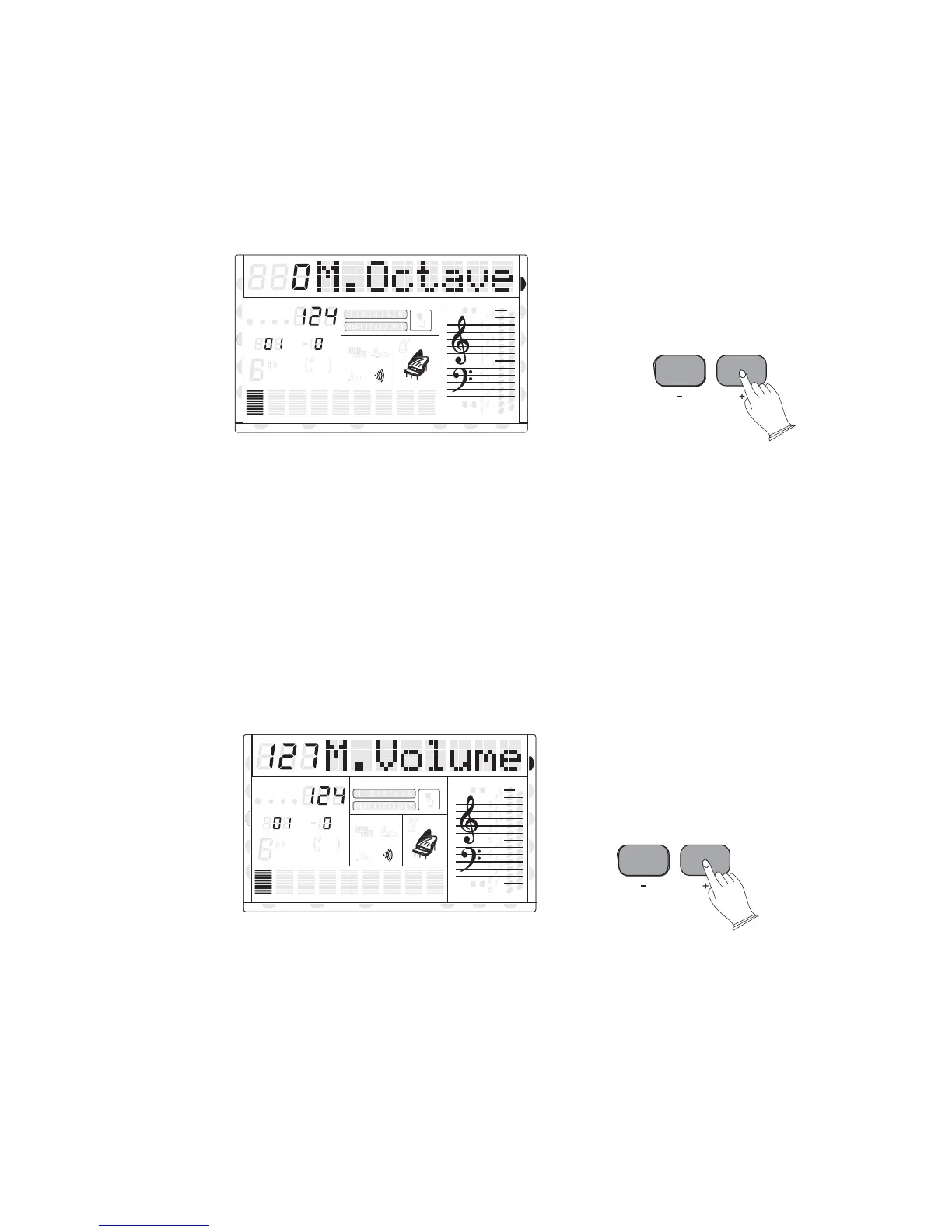
12). OCTAVE
Press [-OCTAVE+] buttons to set the octave value: -2 to 2.
In Split mode, [-OCTAVE+] buttons to adjust the split voice octave whilst the split cursor
is flashing.
In Dual mode, press [-OCTAVE+] buttons to adjust the dual voice octave whilst the dual
cursor is flashing.
13). TEMPO
Press[-TEMPO+] buttons, or the rotary data dial, to decrease or increase the tempo of
songs metronome and auto accompaniment styles. (See page26.)
14)KB.VOL
Press[-KB.VOL+] buttons to adjust the main voice volume: 0-127.
In Split mode, [-KB.VOL+] buttons to adjust the split voice octave whilst the split
cursor is flashing.
In Dual mode, press [-KB.VOL+] buttons to adjust the dual voice octave whilst the dual
cursor is flashing.
15)USB.VOL
Press [-USB.VOL+] buttons to adjust the USB / MIDI file's volume: 0-127.
16
KB VOL
8va
8va
ACC
PHR2PHR1
PAD
CHORD2CHORD1
BASS
RHY2RHY1
augsus4
13
5
9
11
7
m
M
6
dim
ACC
O.T.S
METRONOME
PORTABLE GRAND
DSP
SUSTAIN
TOUCH
TRANSPOSE
TEMPO
MEASURE
CHORD
HARMONY
DUAL
SPLIT
MIDI IN MIDI OUT FREEZE
TWIN
VOICE
DEMO
STYLE
REVERB
CHORUS
OCTAVE
8va
8va
ACC
PHR2PHR1
PAD
CHORD2CHORD1
BASS
RHY2RHY1
augsus4
13
5
9
11
7
m
M
6
dim
ACC
O.T.S
METRONOME
PORTABLE GRAND
DSP
SUSTAIN
TOUCH
TRANSPOSE
TEMPO
MEASURE
CHORD
HARMONY
DUAL
SPLIT
VOICE
DEMO
STYLE
REVERB
CHORUS
MIDI IN MIDI OUT FREEZE
TWIN
U DISK
U DISK
DUAL
DUAL
NORMAL
NORMAL



 To Next Page