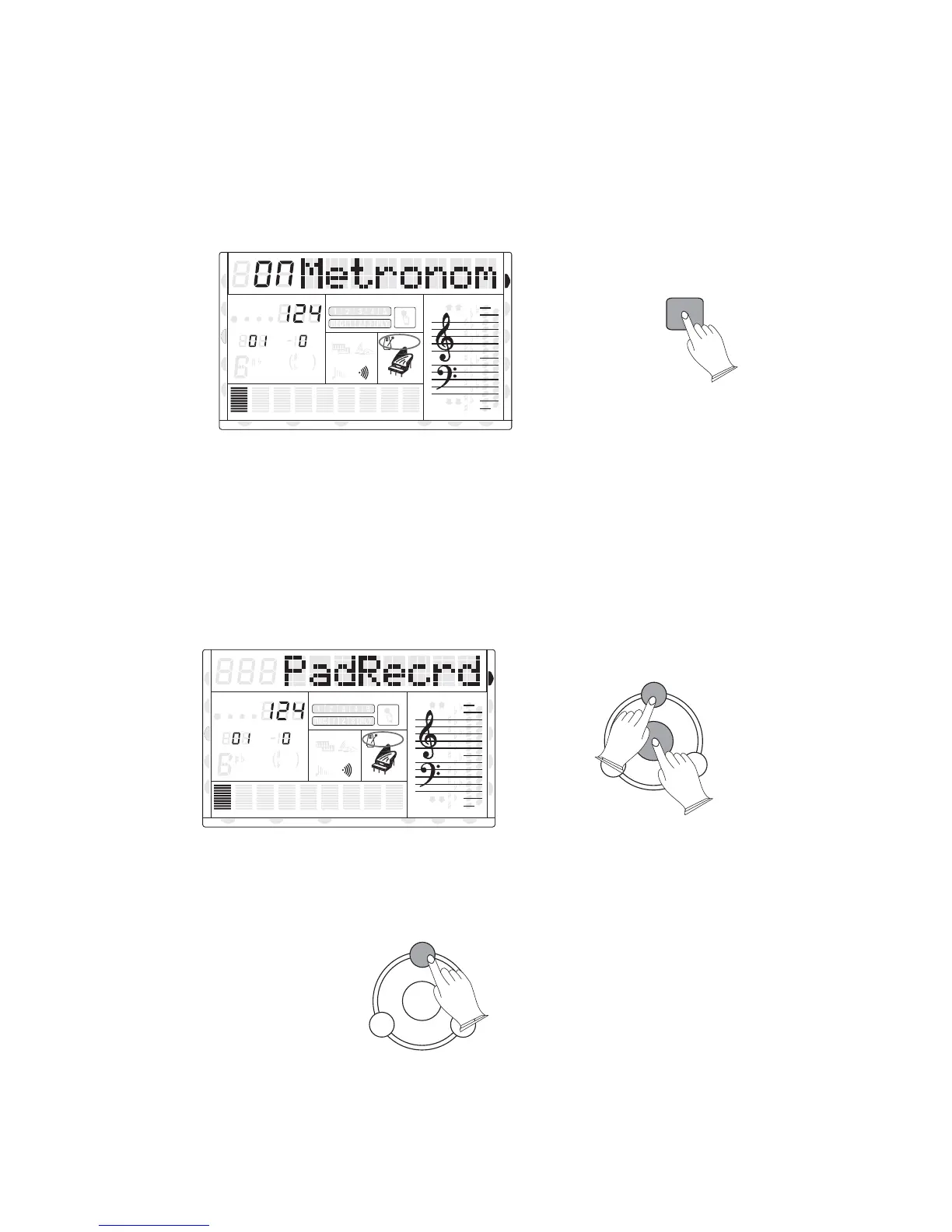
7. Metronome
The metronome sound is alternately turned on and off by pressing the [METRONOME]
button. When this is set to ON, the beat indicator flashes at the current tempo. Hold the
[METRONOME] button on, you can use the [+/-] buttons or the rotary data dial to select the
Metronome's time signature type,it will be displayed in LCD screen.
8. PAD
You can record or play on each pad.back a music clip
Hold the [SAVE] shownbutton and simultaneously press one of the pad buttons 1 to 3 as
below; then play the keyboard to record music clips.
To stop recording, press the [SAVE] button again.
You can press the track number (1~3) to to play back the music clip.
8va
8va
ACC
PHR2PHR1
PAD
CHORD2CHORD1
BASS
RHY2RHY1
augsus4
13
5
9
11
7
m
M
6
dim
ACC
O.T.S
METRONOME
PORTABLE GRAND
DSP
SUSTAIN
TOUCH
TRANSPOSE
TEMPO
MEASURE
METRONOME
SAVE
PAD
1
2
3
SAVE
PAD
1
2
3
CHORD
HARMONY
DUAL
SPLIT
VOICE
DEMO
STYLE
REVERB
CHORUS
MIDI IN MIDI OUT FREEZE
TWIN
8va
8va
ACC
PHR2PHR1
PAD
CHORD2CHORD1
BASS
RHY2RHY1
augsus4
13
5
9
11
7
m
M
6
dim
ACC
O.T.S
METRONOME
PORTABLE GRAND
DSP
SUSTAIN
TOUCH
TRANSPOSE
TEMPO
MEASURE
CHORD
HARMONY
DUAL
SPLIT
VOICE
DEMO
STYLE
REVERB
CHORUS
MIDI IN MIDI OUT FREEZE
TWIN
27
U DISK
DUAL
NORMAL
DUAL
NORMAL



 To Next Page