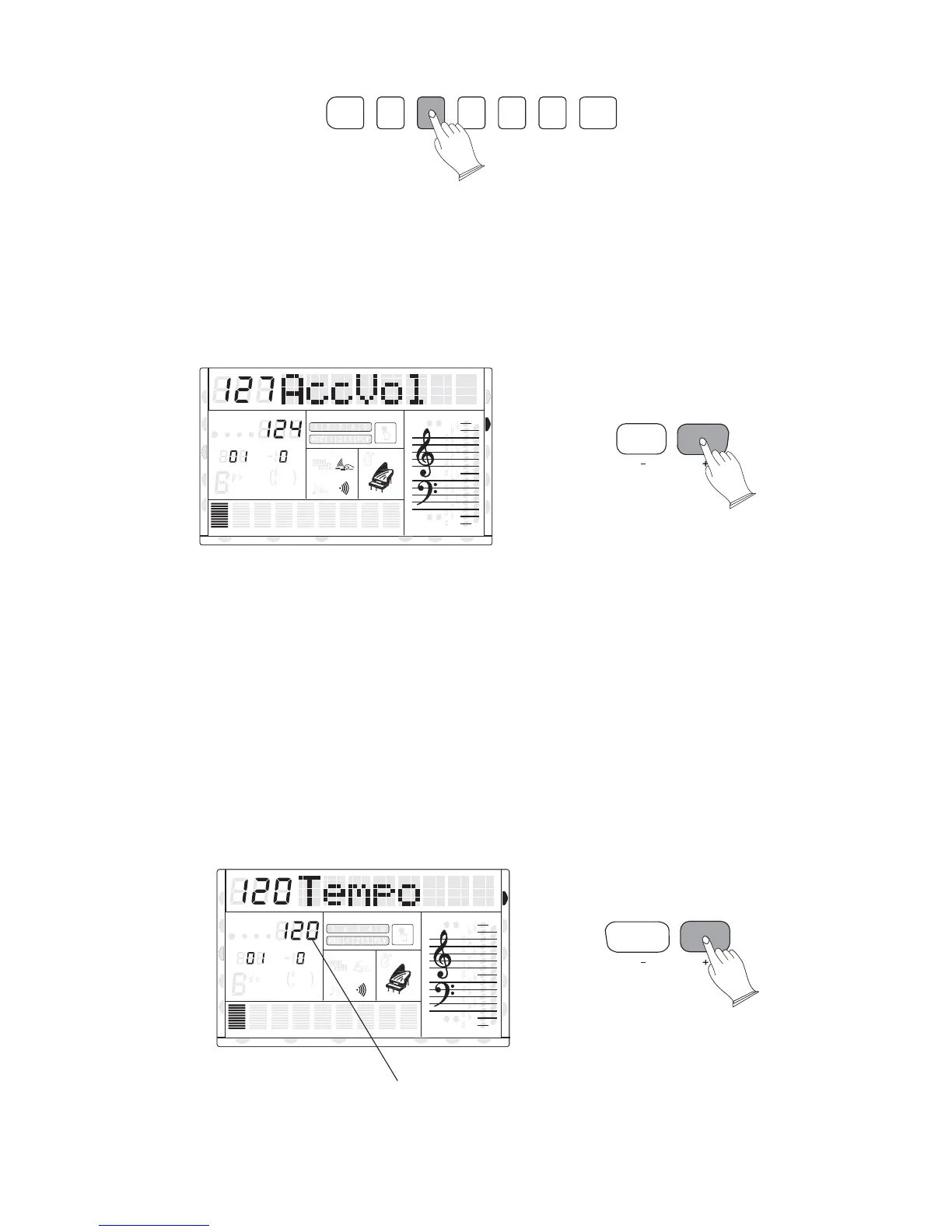
5. Accompaniment Volume
The [-ACC+] buttons can be used to adjust the volume of the selected accompaniment.
Press the [-ACC+] buttons, the current accompaniment volume value will appear on the
screen. Use the [-ACC+] buttons to set the desired volume. The volume range is from 0
(no sound) to 127(Max volume).The default volume value (127) can be recalled instantly by
pressing both the [ACC+/-] buttons at the same time.
6. Tempo Control
The [TEMPO+/-] buttons can be used to control the tempo of Auto Accompaniment,
DEMO and your recording.
Press the [TEMPO+/-] buttons to set the desired tempo value (20-280), the current tempo
(beats per minute) will be shown.
The available tempo range from 20 to 280 beats per minute. Each accompaniment style
has a specific "default" tempo which is automatically set whenever a new style is selected
(but not when a new style is selected whilst the accompaniment is playing). The default
tempo for the currently selected style can be recalled instantly by pressing both the two
[TEMPO+/-] buttons at the same time.
CHORD SYNCHRO INTRO/
ENDING
START/
STOP
FILL 1 FILL 2 METRONOME
ACC.VOL
TEMPO
26
8va
8va
ACC
PHR2PHR1
PAD
CHORD2CHORD1
BASS
RHY2RHY1
augsus4
13
5
9
11
7
m
M
6
dim
ACC
O.T.S
METRONOME
PORTABLE GRAND
DSP
SUSTAIN
TOUCH
TRANSPOSE
TEMPO
MEASURE
CHORD
HARMONY
DUAL
SPLIT
VOICE
DEMO
STYLE
REVERB
CHORUS
MIDI IN MIDI OUT FREEZE
TWIN
U DISK
DUAL
Tempo value
8va
8va
ACC
PHR2PHR1
PAD
CHORD2CHORD1
BASS
RHY2RHY1
augsus4
13
5
9
11
7
m
M
6
dim
ACC
O.T.S
METRONOME
PORTABLE GRAND
DSP
SUSTAIN
TOUCH
TRANSPOSE
TEMPO
MEASURE
CHORD
HARMONY
DUAL
SPLIT
VOICE
DEMO
STYLE
REVERB
CHORUS
MIDI IN MIDI OUT FREEZE
TWIN
U DISK
DUAL
NORMAL
NORMAL



 To Next Page