MRIDI ECEPTION
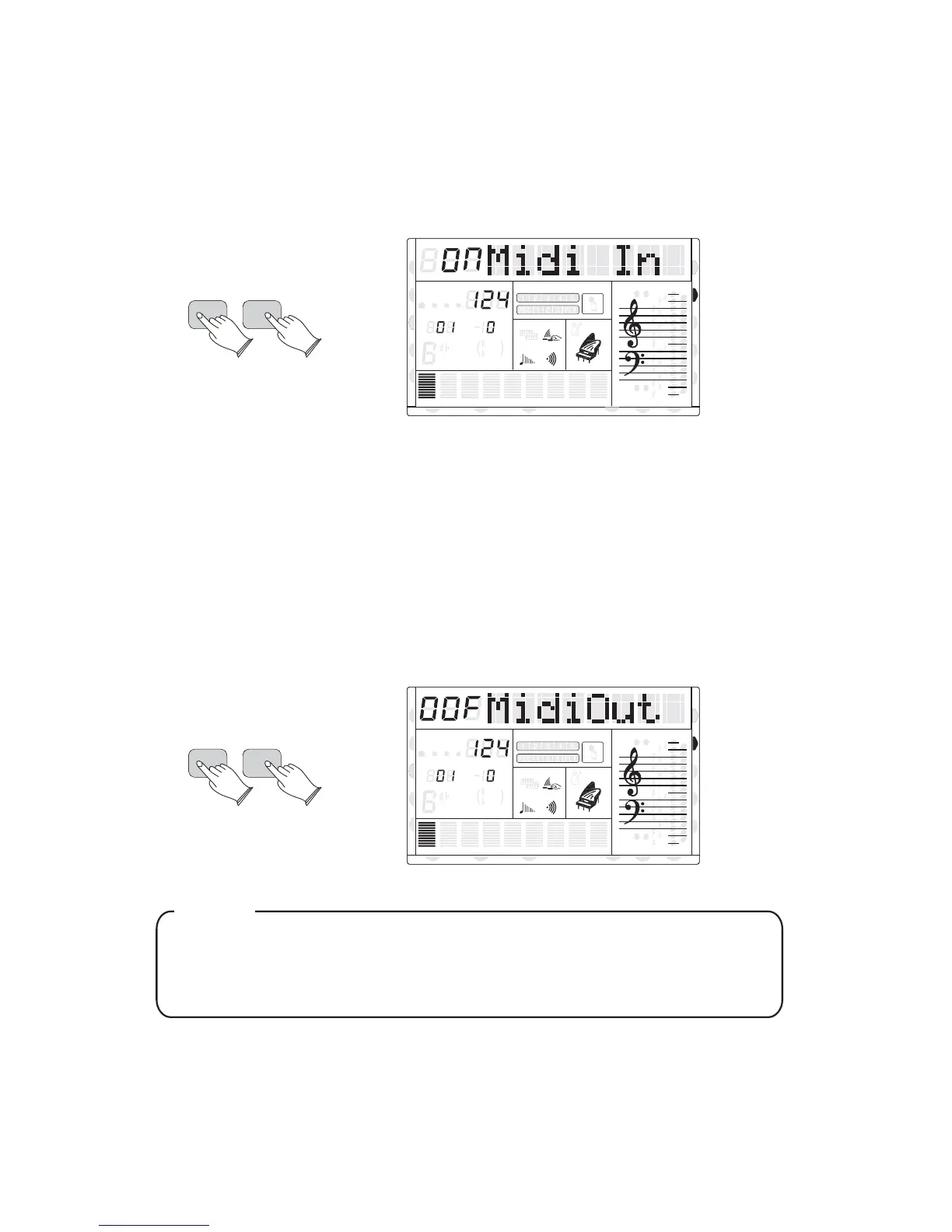
You can select MIDI reception channel, or turn the MIDI IN function on or / off .
Press the [FUNCTION] button use [+] and [-] buttons to select 13Midi In? , then press
[ENTER] to confirm, and use [+] and [-] buttons to set the parameters.
MIDI Off------Reception Disabled
MIDI ON------Reception Enabled
MTIDI RANSMISSION
Using this function, you can select MIDI reception and transmission channel, and turn on or
turn off MIDI IN and MIDI OUT function.
Press the [FUNCTION] button, use [+] and [-] buttons to select 14MIDI OUT? , then
Press the [ENTER] to confirm, and use [+] and [-] buttons to set the parameters.
MIDI Off------Reception Disabled
MIDI ON------Reception Enabled
ENTER
FUNCTION
8va
8va
ACC
PHR2PHR1
PAD
CHORD2CHORD1
BASS
RHY2RHY1
augsus4
13
5
9
11
7
m
M
6
dim
ACC
O.T.S
METRONOME
PORTABLE GRAND
DSP
SUSTAIN
TOUCH
TRANSPOSE
TEMPO
MEASURE
CHORD
HARMONY
DUAL
SPLIT
VOICE
DEMO
STYLE
REVERB
CHORUS
MIDI IN MIDI OUT FREEZE
TWIN
ENTER
FUNCTION
8va
8va
ACC
PHR2PHR1
PAD
CHORD2CHORD1
BASS
RHY2RHY1
augsus4
13
5
9
11
7
m
M
6
dim
ACC
O.T.S
METRONOME
PORTABLE GRAND
DSP
SUSTAIN
TOUCH
TRANSPOSE
TEMPO
MEASURE
CHORD
HARMONY
DUAL
SPLIT
VOICE
DEMO
STYLE
REVERB
CHORUS
MIDI IN MIDI OUT FREEZE
TWIN
Use the [+/-] buttons or numeric pad buttons to select MIDI channel
. or Off to disable MIDI transmission (1-16)
NOTE
34
U DISK
U DISK
DUAL
DUAL
NORMAL
NORMAL



 To Next Page