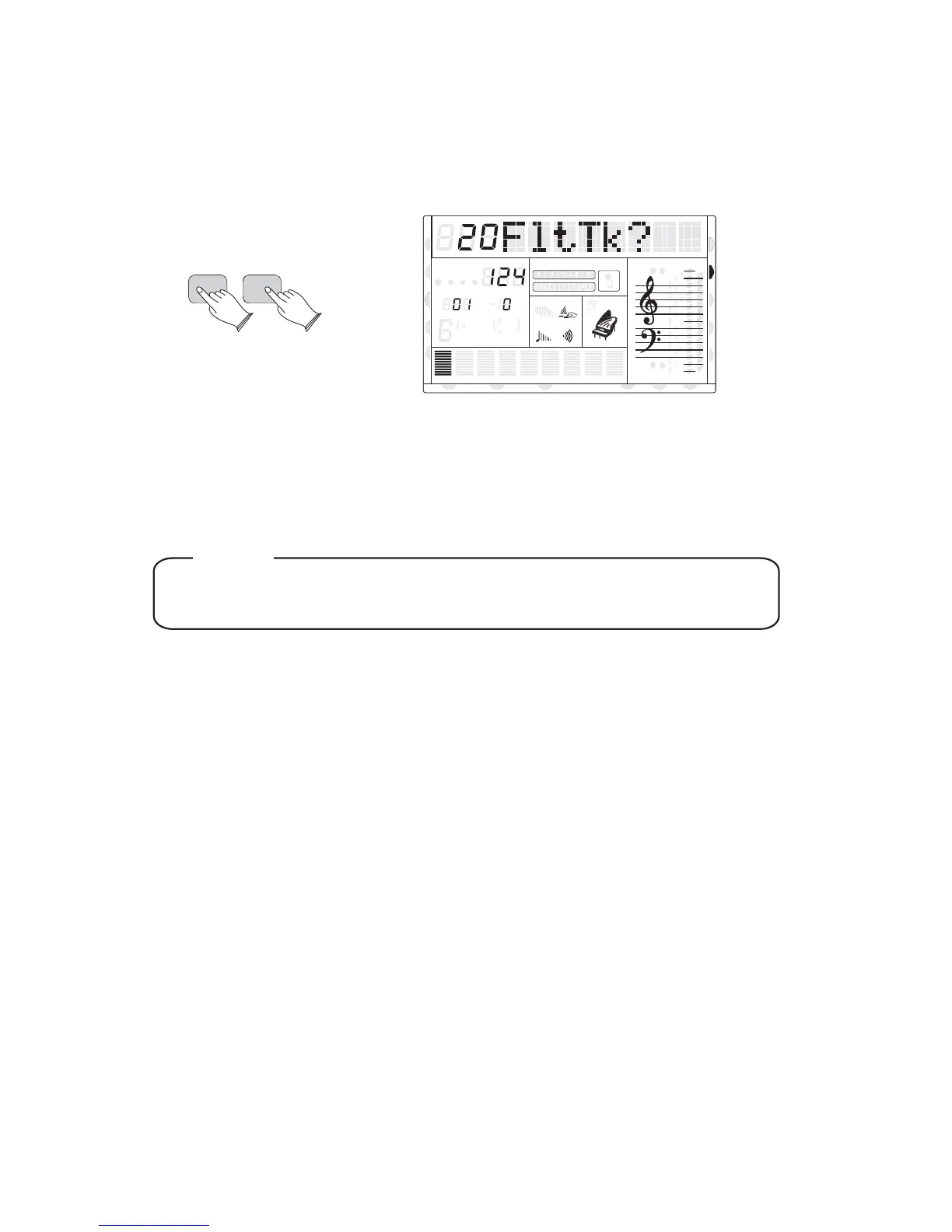
FTILTER RACK
Press the [FUNCTION] button, use [+] and [-] buttons to select 20FltTrk? , then press
[ENTER] to confirm, and use [+] and [-] buttons to select the track:1-16.
For example: a midi file is prepared for playing, but track 1 or track 2, you would not like to
play it with other tracks, so you can press[+] or [-] buttons to select FLtTk01 or FLtTk02 ,
press [ENTER]to confirm, and use [+] or [-] buttons to turn off it. Track 1 or track 2 will be
closed.
ENTER
FUNCTION
8va
8va
ACC
PHR2PHR1
PAD
CHORD2CHORD1
BASS
RHY2RHY1
augsus4
13
5
9
11
7
m
M
6
dim
ACC
O.T.S
METRONOME
PORTABLE GRAND
DSP
SUSTAIN
TOUCH
TRANSPOSE
TEMPO
MEASURE
CHORD
HARMONY
DUAL
SPLIT
VOICE
DEMO
STYLE
REVERB
CHORUS
MIDI IN MIDI OUT FREEZE
TWIN
NOTE
The [FILTER] function is disabled while playing or recording.
37
U DISK
DUAL
NORMAL



 To Next Page