11
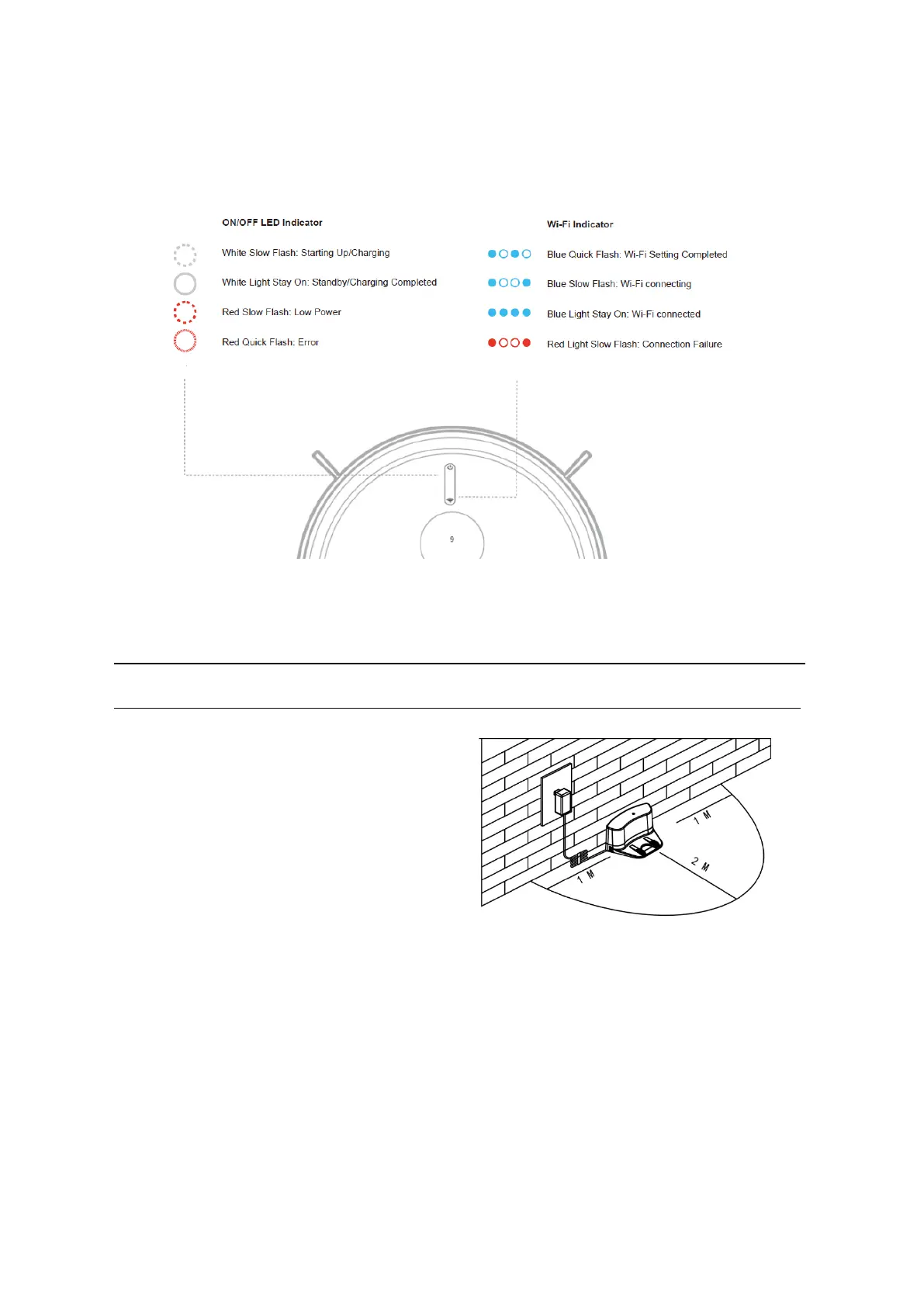
7. LED Indicat
ion
Product Operati
on
Battery Charging
1, Charging Station Placement
Place the c
harging station against the wall,
remove obstacles about 1 meter at both
sides and 2 meters in front of the station as
show in the right figure.
Note: if robot is switched off, then switch on the robot firstly before charging.
2,
Charge the robot in either way as shown below:
a, plug one end of the adapter into the robot and the other end into the power socket
b, Press “Re-charge” button on APP to operate the robot looking for the charging station
automatically.



 To Next Page