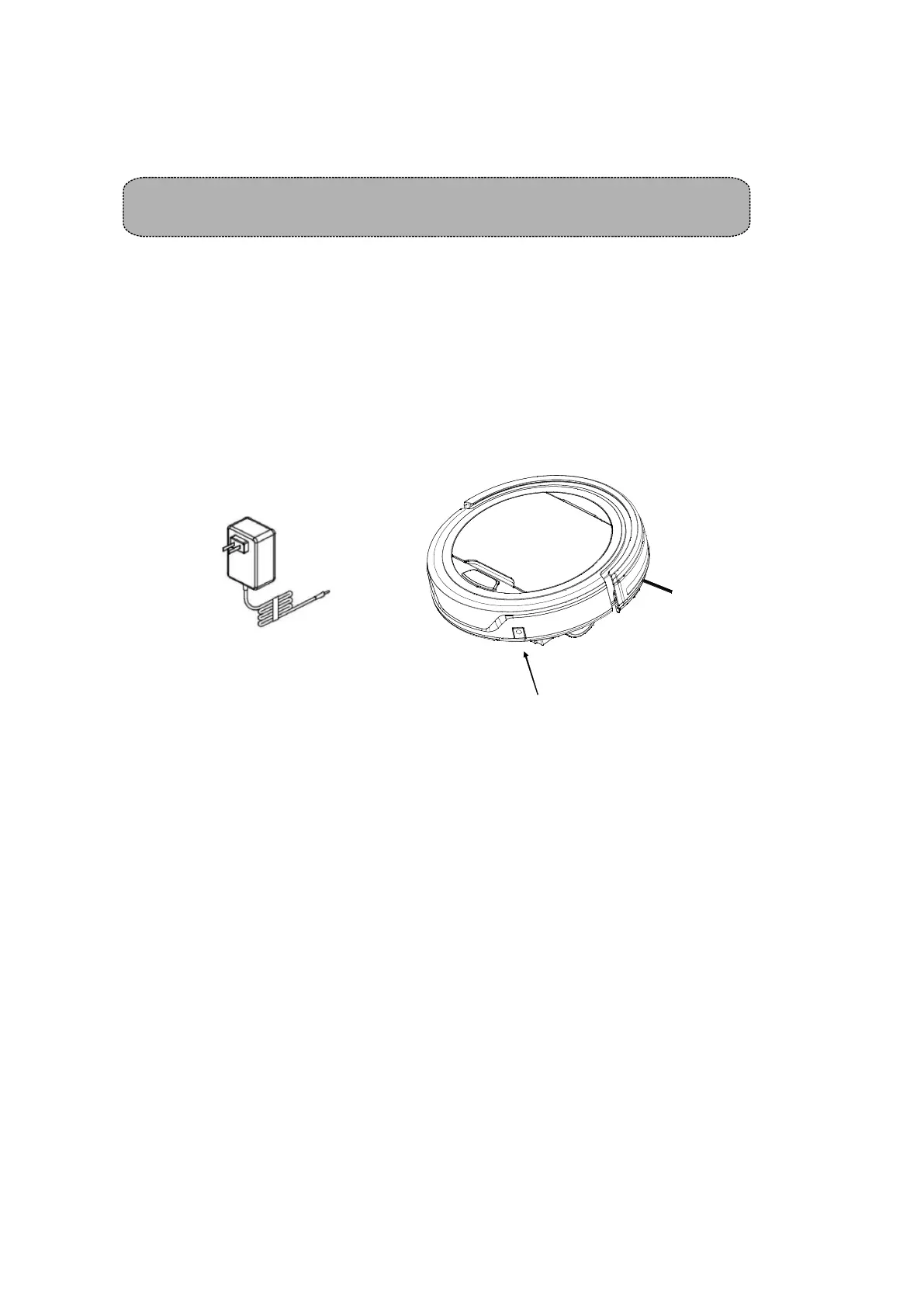
RECHARGING BATTERY
1, Before charging, make sure the battery is correctly installed.
2, The procedure of charging the product is as follows: firstly, connect the adapter output into
the DC jack, and then plug into power socket of the other end, then blue light will flash .
3, After fully charged, blue LED will keep on.
4, When the product runs out of power, LED indicator will turn red, which prompts the user to
charge the product.
5,
Adapter p
lug
Adapter plug inlet
GENERAL OPERATION
Starting Operation
1.Before operation, empty the dust bin and install the filter properly.
2.Place the product in a room with much free space, and then power it on to do cleaning work.
3,When the product runs out of power, the LED indicator in the illumination ring will turn red, and
the product will stop working.
Remove the dusting paper holder and side brushes before using the product on the carpet,
just to avoid wearing these parts.
This product is not suitable for long-pile carpets
Note:
*
*
SIDE BRUSH INSTALLATION
Just put the L side brush at L place and R side brush at R place on the bottom and then push to fix it.
And vice visa—to pull up, side brush will be taken out.
6
To ensure the best performance and life span of the battery, please charge the product for 3hours
hours continuously. After fully charged for 3 hrs, the blue LED will light up. Since the LED indicators
light color is depended on its charging-time, if the power is cut off during charging, when recharging
the product, it will always start counting from zero hours. Therefore, it is fully charged if the product
has been charged for 3 hours in total.
10



 To Next Page