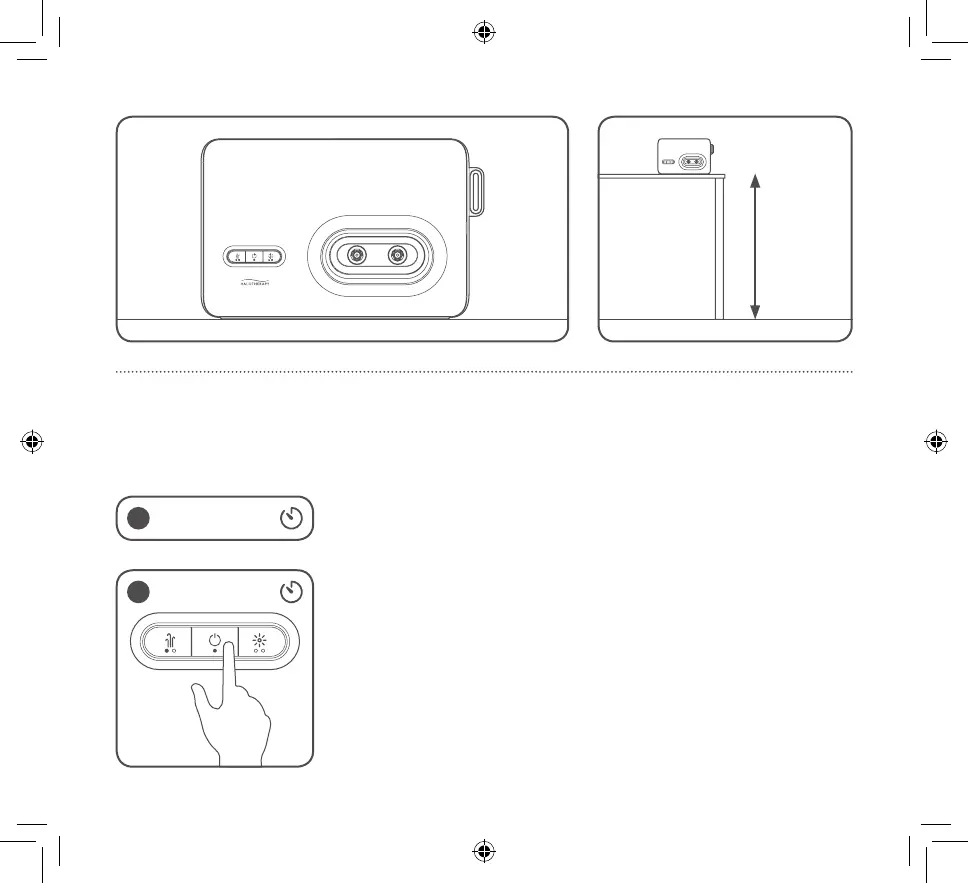
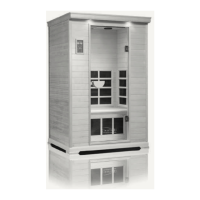
≥ 3ft
9
8. Operating the HALOONE
™
Starting a new session
When the power adapter is not connected the unit will automatically
turn off in 1 minute if it is not operating, to conserve the battery life.
1 min
1
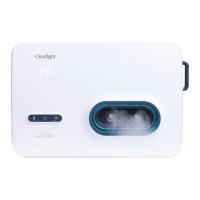
To turn on the HALOONE
™
, press and hold the POWER button for 2
seconds.
• The unit is now in Stand-By mode.
• Press the POWER button one more time and the unit will turn on.
• The status indicator is blue when the unit is on.
• The timer will start counting down.
2 20 min


 To Next Page