Charging The HALOONE
™
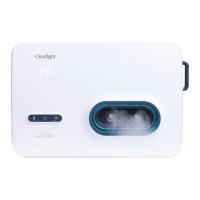
• Connect the USB-C cable to the power adapter.
• Open the rubber cover that conceals the charging port and insert the
end of the USB-C cable into the unit.
• Plug the power adapter into an electrical outlet.
• The unit is charging when the battery level indicator blinks.
• When the unit is fully charged, the charging indicator will turn off and
the battery level indicator will stop blinking.
Fan Control
• The internal fan increases the saline mist distribution.
• When the session starts the fan is set to low speed.
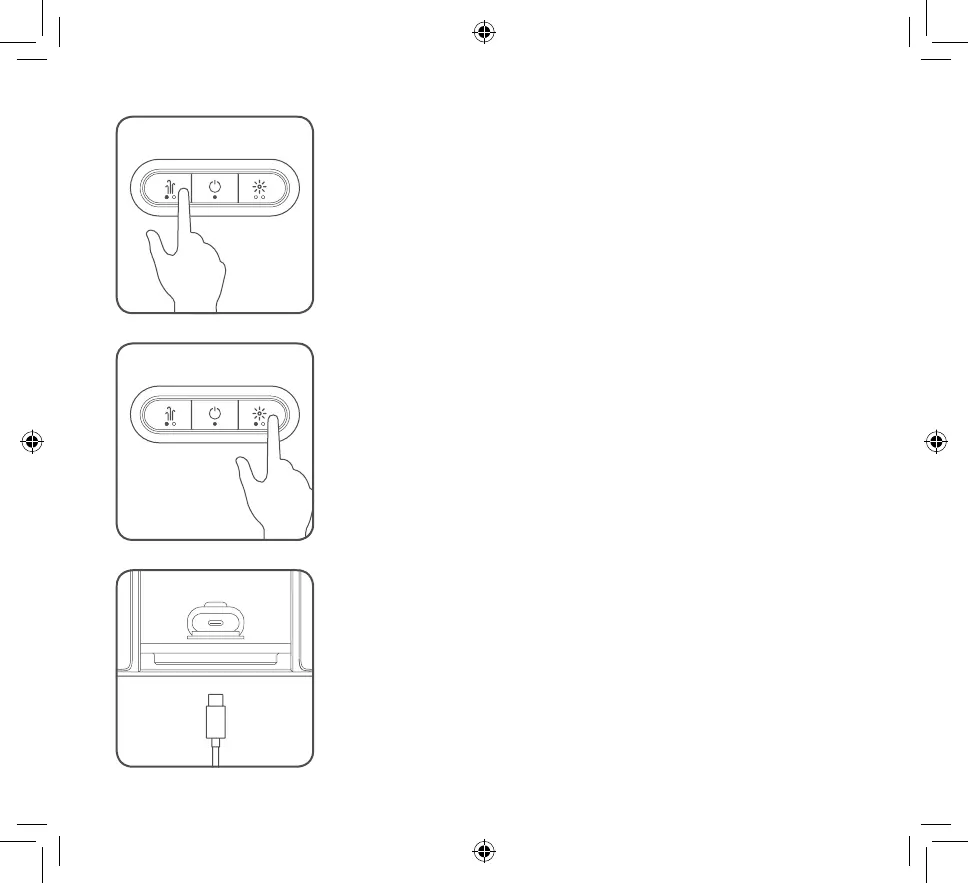
• Toggle the fan speed between high and low by pressing the fan
button.
• The fan speed indicator changes accordingly.
Emotive Light Control
• The relaxing emotive light works in 3 modes:
a. Breathing
b. On
c. Off
• When the session starts the emotive light defaults to breathing
mode.
• Press the emotive light button to cycle through the different modes.
• The indicator will change accordingly.
11


 To Next Page