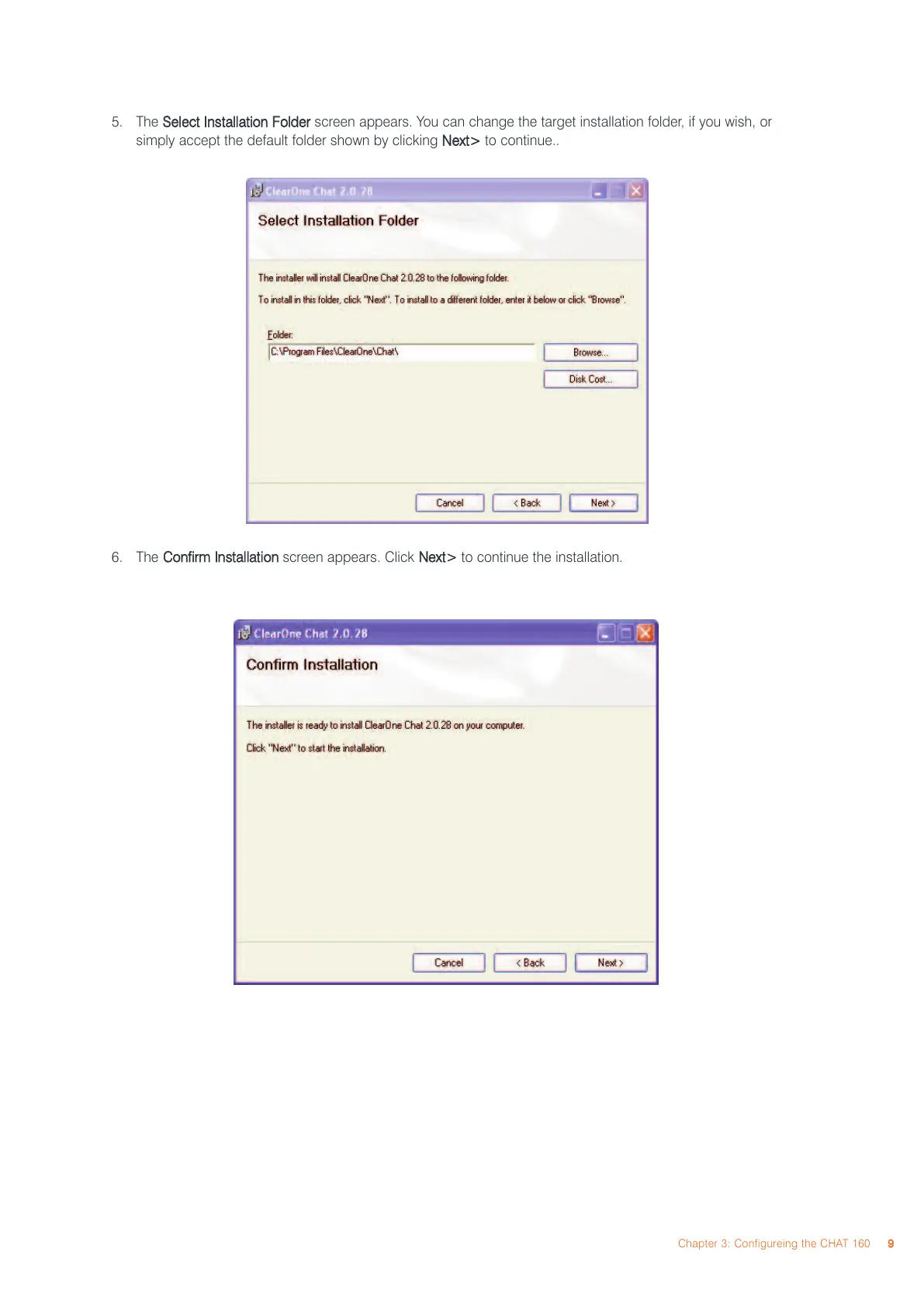
5. The
SSeelleecctt IInnssttaallllaattiioonn FFoollddeerr
screen appears. You can change the target installation folder, if you wish, or
simply accept the default folder shown by clicking
NNeexxtt>>
to continue..
6. The
CCoonnffiirrmm IInnssttaallllaattiioonn
screen appears. Click
NNeexxtt>>
to continue the installation.
Chapter 3: Configureing the CHAT 160
99



 To Next Page