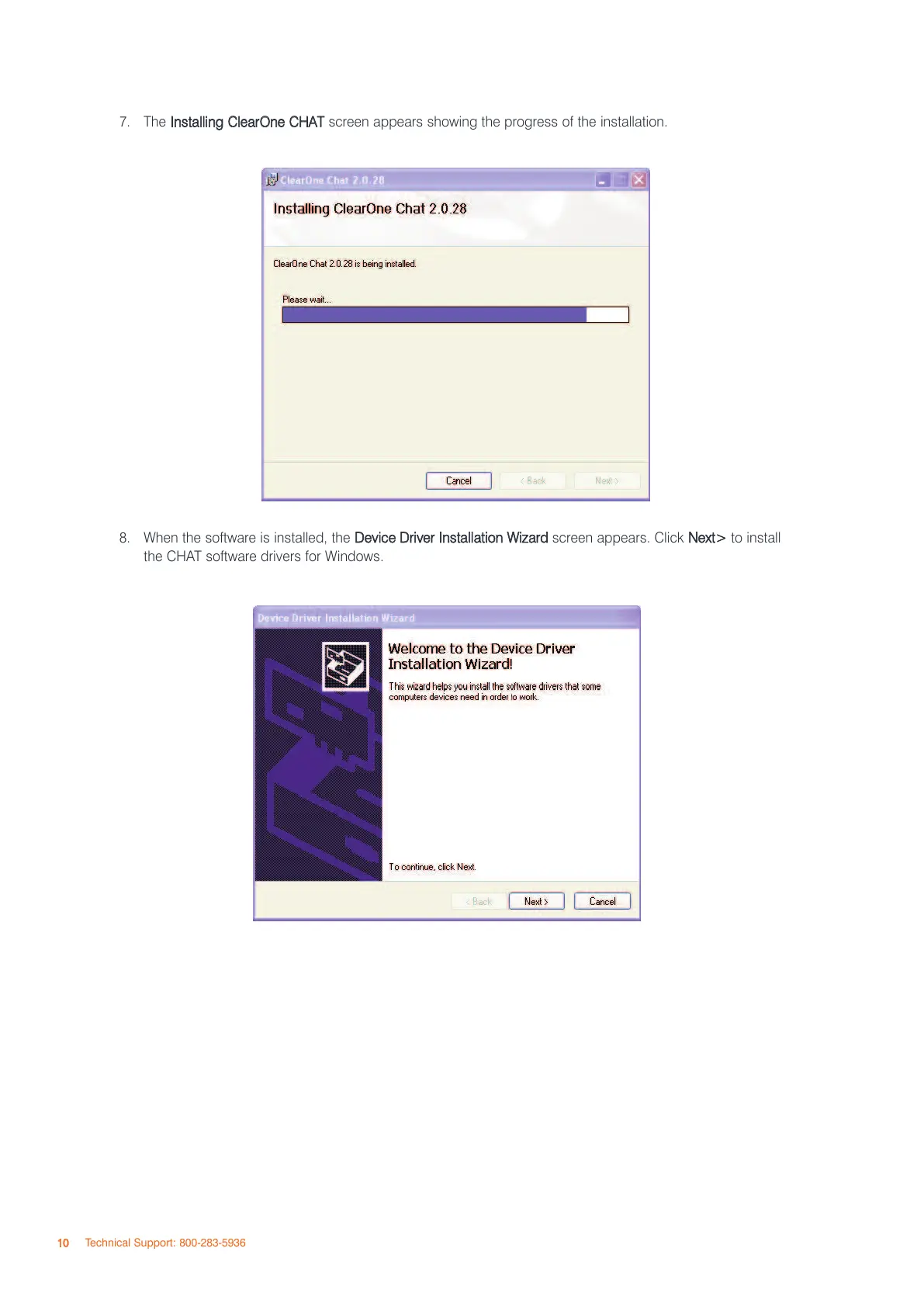
7. The
IInnssttaalllliinngg CClleeaarrOOnnee CCHHAATT
screen appears showing the progress of the installation.
8. When the software is installed, the
DDeevviiccee DDrriivveerr IInnssttaallllaattiioonn WWiizzaarrdd
screen appears. Click
NNeexxtt>>
to install
the CHAT software drivers for Windows.
1100
Technical Support: 800-283-5936



 To Next Page